
7 Best Replit Alternatives in 2026 (Free & Paid Options)
Replit not cutting it? Compare Codespaces, Cursor, BrainGrid, Bolt.new, v0, and more. We tested each for AI coding, collaboration, and deployment.

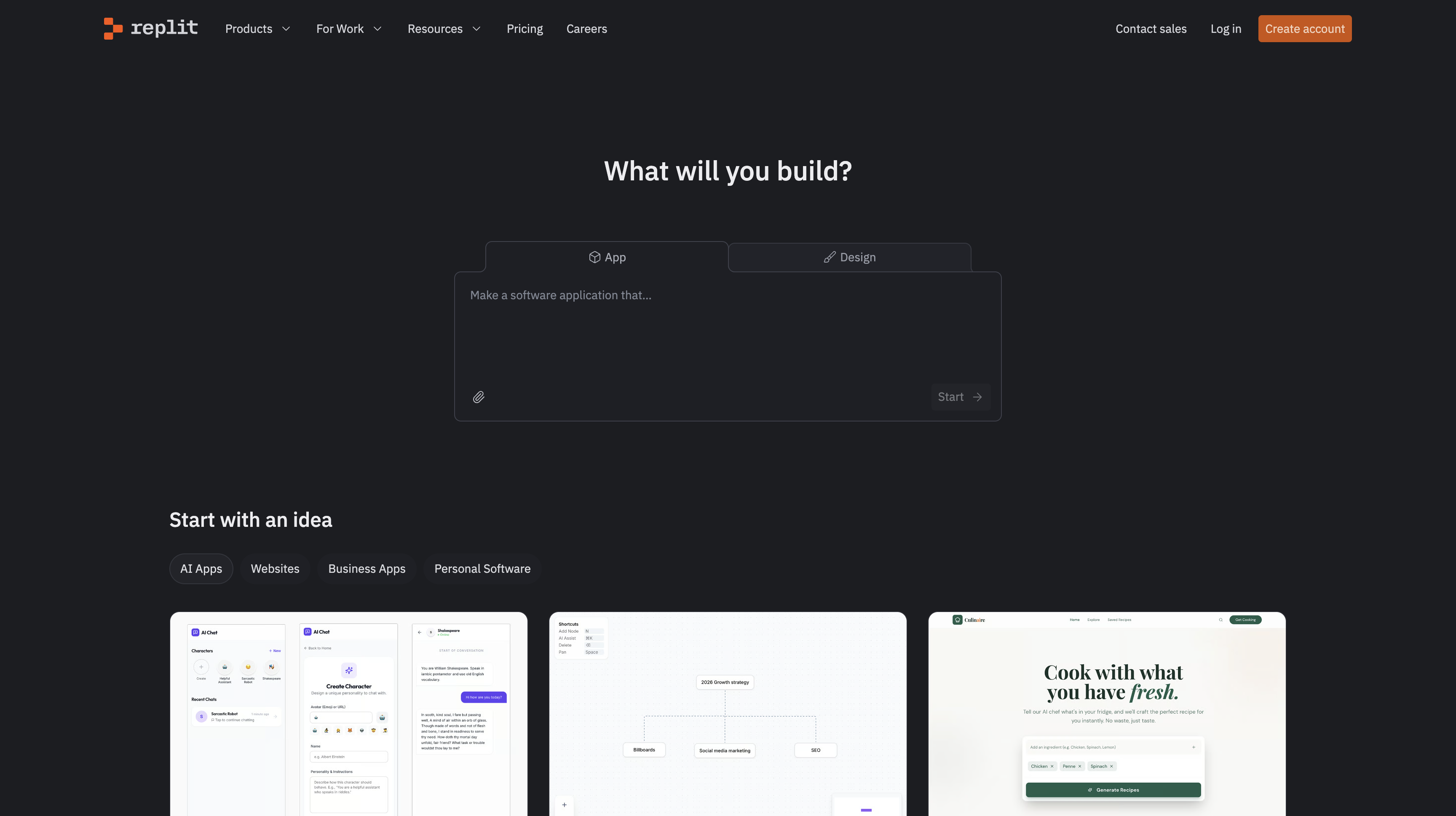
Looking for Replit alternatives? You're not alone. Replit is great for getting started—no setup needed, code right in your browser. But as your projects grow, you might hit some limits.
Maybe your database keeps crashing. Or the AI suggestions don't match your code style. Perhaps you need better team collaboration, or you're looking for a free Replit alternative that's more powerful.
We've tested the platforms developers actually switch to when they outgrow Replit. Here are the best options, whether you're coding in Python, JavaScript, or building web apps.
#Quick Comparison: Best Replit Alternatives 2026
Here's a quick look at the top Replit alternatives we'll cover:
| Tool | Best For | Key Feature |
|---|---|---|
| BrainGrid AI | Planning before coding | Helps clarify what to build |
| GitHub Codespaces | Teams and companies | Works with GitHub, consistent setups |
| Cursor | AI coding help | Understands your whole project |
| Bolt.new | Quick prototypes | Builds apps from text prompts |
| v0 by Vercel | Professional UI components | Generates beautiful React components |
| Emergent.sh | Full-stack AI apps | Multi-agent system builds complete apps |
| Lovable | AI app builder | Builds full apps from descriptions |
Looking specifically at Lovable? Check out our Lovable alternatives guide for more options in that space.
Now let's dive into each one to help you find the best Replit alternative for your needs.
#1. BrainGrid AI: Plan Before You Code
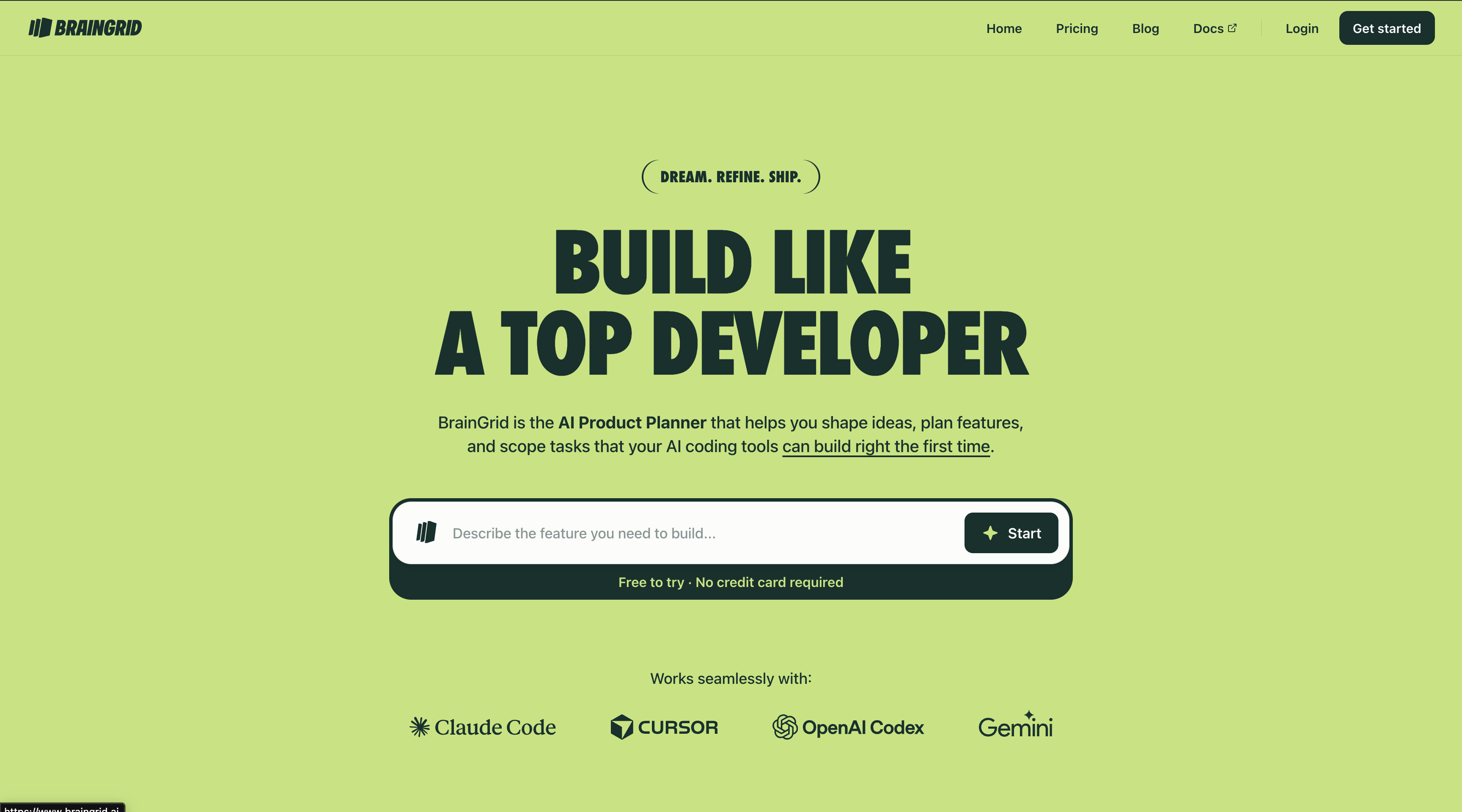
What it is: BrainGrid helps you figure out what to build before you start coding. It's not a code editor—think of it as a planning tool that works with any coding platform.
The problem it solves: Ever ask an AI to "add user login" and get something that's missing password reset, or doesn't work with your existing code? That's because the requirements weren't clear from the start.
How it works:
- You describe what you want to build
- BrainGrid asks smart questions: What happens if something goes wrong? How does this connect to your existing features?
- You get a clear plan with specific tasks
- Then you code in Replit, Cursor, or any tool you prefer
Key features:
- Asks questions you might not think of
- Breaks big features into smaller, clear tasks
- Works with any coding tool (Replit, Cursor, etc.)
- Helps avoid "that's not what I meant" moments
Good for:
- When requirements keep changing
- Complex projects where details matter
- Teams that need to plan before coding
- Anyone tired of rebuilding features
Bottom line: If you keep rebuilding features because the requirements weren't clear, BrainGrid helps you get it right the first time.
#2. GitHub Codespaces: Best for Teams
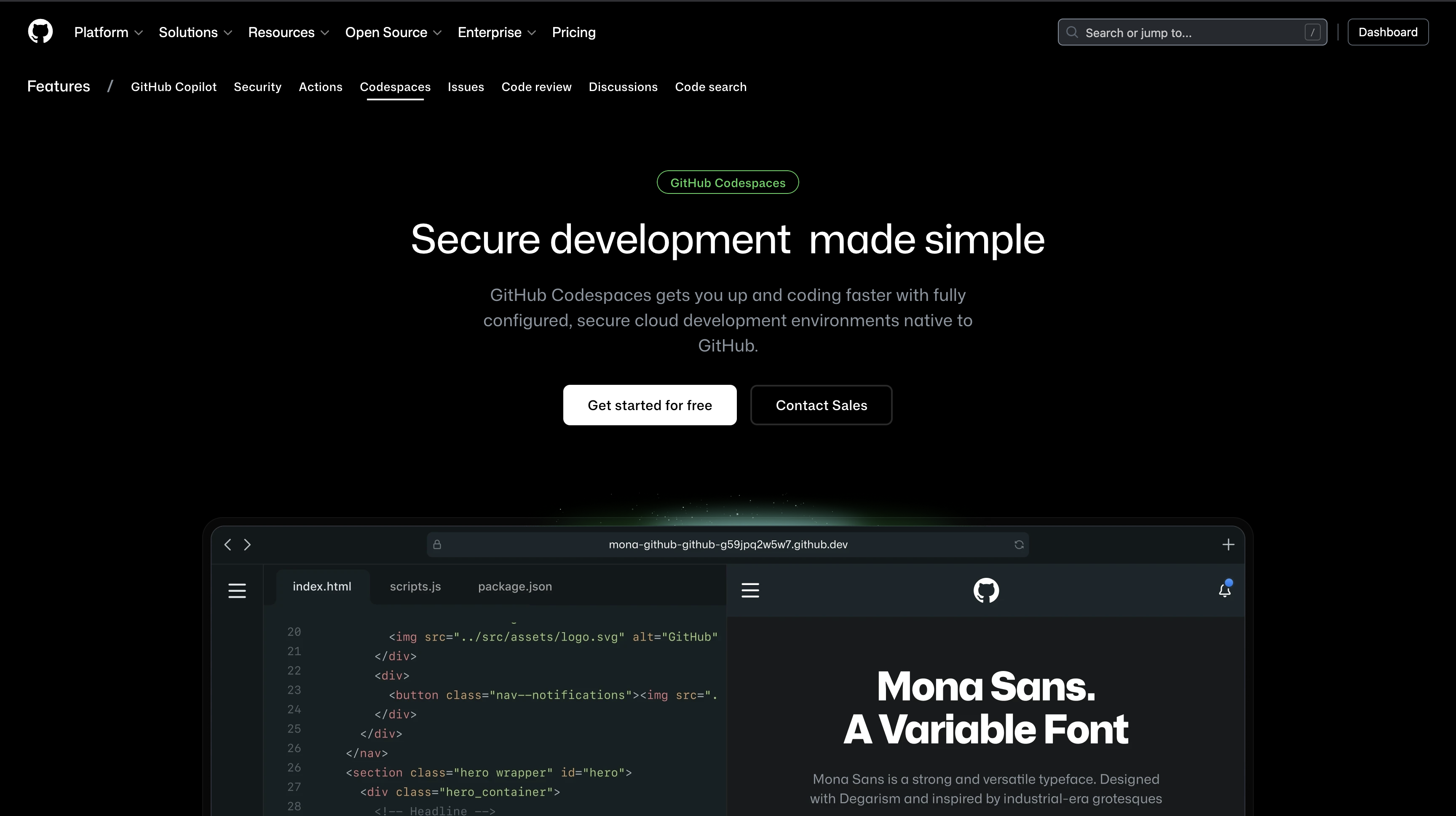
What it is: GitHub Codespaces lets you code in the cloud using VS Code. It connects directly to your GitHub projects, so your whole team works in the same environment.
The problem it solves: Ever heard "it works on my computer"? When everyone has different setups, things break. Codespaces fixes this by giving everyone the exact same environment.
How it works:
- You create a config file that describes your setup (Node version, Python packages, etc.)
- Save it to your GitHub project
- Anyone who opens the project gets the same environment automatically
- No more "install this, install that" meetings
Key features:
- Everyone gets the same setup (no more "works on my machine")
- Works in your browser or on your computer
- Built-in AI coding help (GitHub Copilot)
- Secure and trusted by big companies
- Works great with GitHub projects
Good for:
- Teams that need everyone on the same page
- Companies that need security and compliance
- Projects already on GitHub
- When onboarding new team members takes too long
How to switch from Replit: Export your project to GitHub, add a simple config file, and you're done. Takes about an hour.
Bottom line: If your team struggles with different setups or you need enterprise security, Codespaces is worth considering.
#3. Cursor: Best AI Coding Assistant
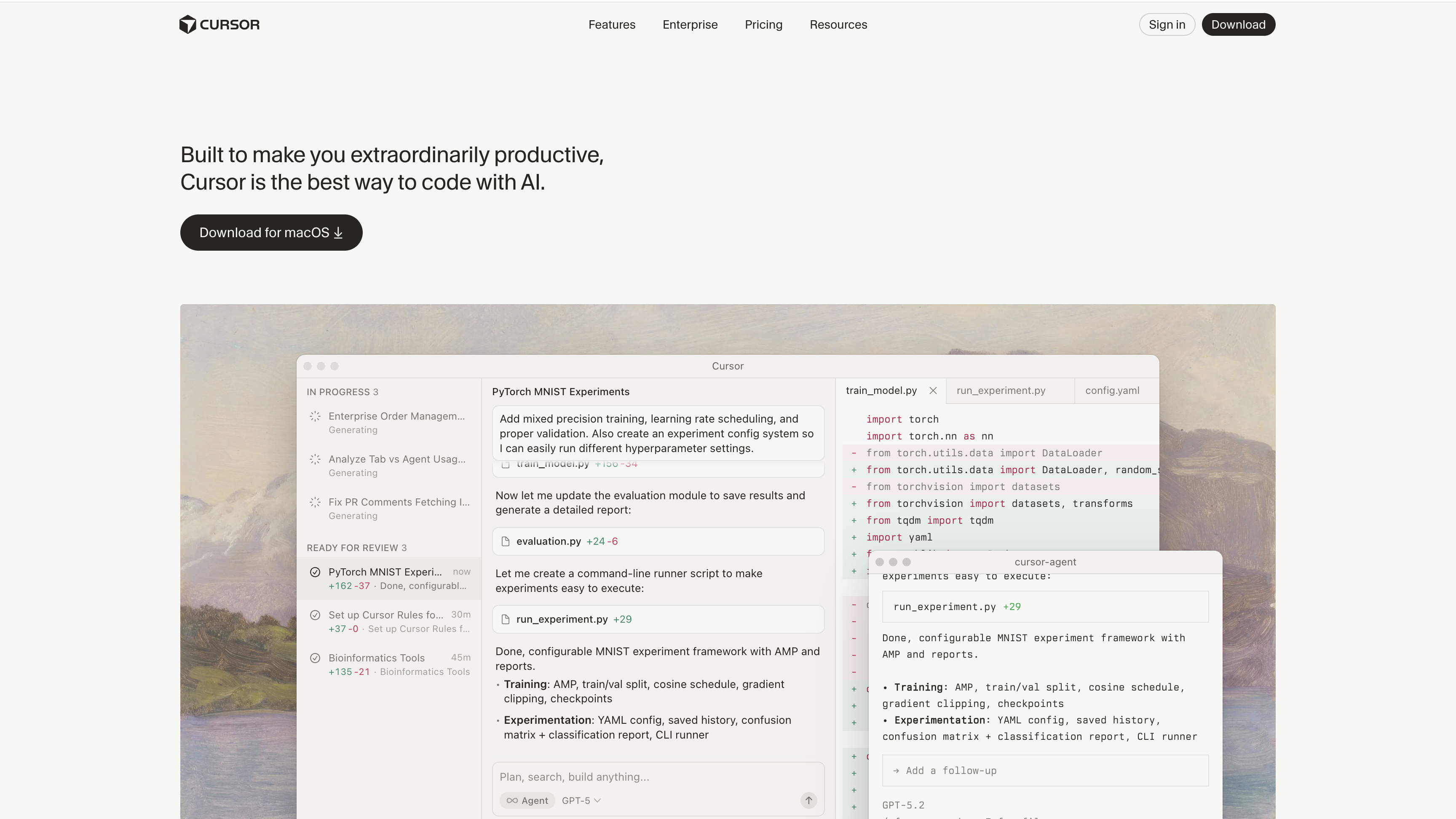
What it is: Cursor is like VS Code but with super-smart AI that understands your whole project, not just the file you're working on.
The problem it solves: Replit's AI (Ghostwriter) only sees the file you're editing. It doesn't know about your other files, your code style, or how your project is organized. Cursor sees everything, so its suggestions actually fit your code.
How it works:
- Install Cursor on your computer (it's not browser-based like Replit)
- Open your project
- The AI learns your code style and project structure
- When you ask for changes, it suggests code that matches your existing patterns
Key features:
- AI understands your whole project, not just one file
- Select code, press Cmd+K, describe what you want—it edits it
- Works with multiple AI models (Claude, GPT-4)
- Works offline once installed
- Built-in Git support
Good for:
- When AI suggestions keep missing your code style
- Developers who want smarter AI help
- Projects where code quality matters
- Anyone comfortable coding on their computer
How to switch from Replit: Download your project from Replit, open it in Cursor. The AI learns your code in minutes.
Bottom line: If you want AI that actually understands your project and suggests code that fits, Cursor is the best option.
#4. Bolt.new: Build Apps Instantly from Text
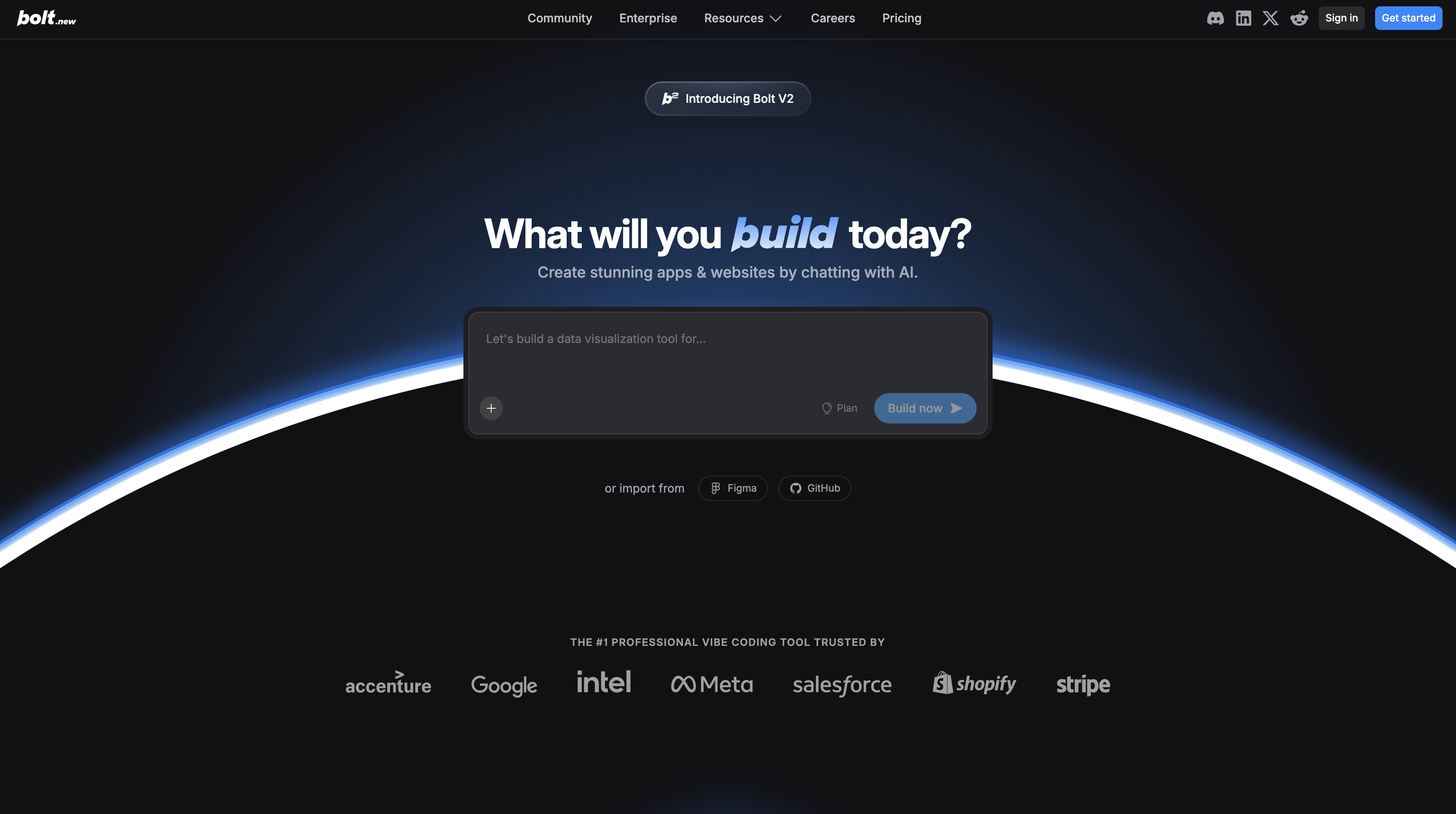
What it is: Bolt.new turns your text descriptions into working apps instantly. Type what you want, get a live app with a shareable link—no setup, no deployment steps.
The problem it solves: Need a working demo by end of day? Replit still requires setup and configuration. Bolt.new skips all that and just builds your app.
How it works:
- Type what you want: "Build a task manager with a calendar view"
- Bolt.new creates the full app (frontend, backend, database)
- Deploys it automatically
- Gives you a link to share
It handles React, Node.js, databases, and even mobile apps (React Native) automatically.
Key features:
- Builds full apps from text descriptions
- Deploys instantly with shareable links
- Works for web and mobile apps
- No configuration needed
- Great for showing ideas to clients
Good for:
- Quick prototypes and demos
- Non-technical founders testing ideas
- Agencies showing concepts to clients
- When speed matters more than perfect code
Bottom line: If you need a working app fast to show an idea, Bolt.new is the fastest option. Perfect for prototypes, not for production apps.
#5. v0 by Vercel: Professional UI Components
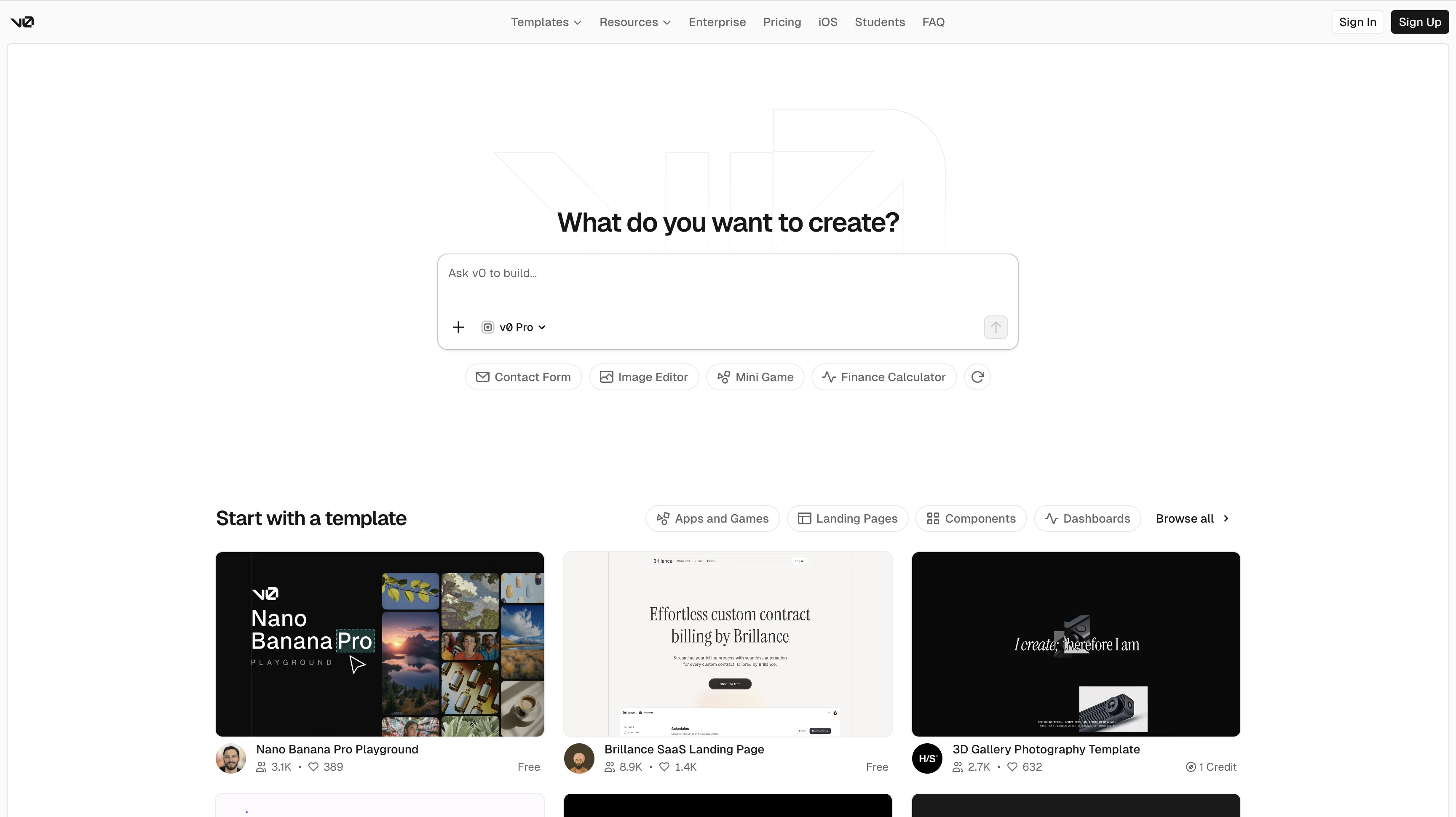
What it is: v0 by Vercel generates beautiful React components that look professionally designed. It's not a full coding environment—it's a tool for building UI components quickly.
The problem it solves: Replit's AI can generate code, but the UI often looks basic or unpolished. v0 creates components with proper spacing, typography, and visual hierarchy—the kind of UI that looks hand-crafted.
How it works:
- Describe what you want: "A pricing table with three tiers"
- v0 generates React component code with shadcn/ui
- Copy the code into your project
- Customize as needed
It's built by Vercel and works perfectly with Next.js and shadcn/ui.
Key features:
- Generates professional-looking components
- Works with React and Next.js
- Uses shadcn/ui (popular component library)
- Components have proper design (spacing, typography, etc.)
Good for:
- Building Next.js apps
- When you care about how your app looks
- Developers who know the difference between "functional" and "professionally designed"
- Accelerating UI work
Bottom line: If you're building Next.js apps and want professional UI components fast, v0 is perfect. It generates code that actually looks good.
#6. Emergent.sh: Full-Stack AI App Builder
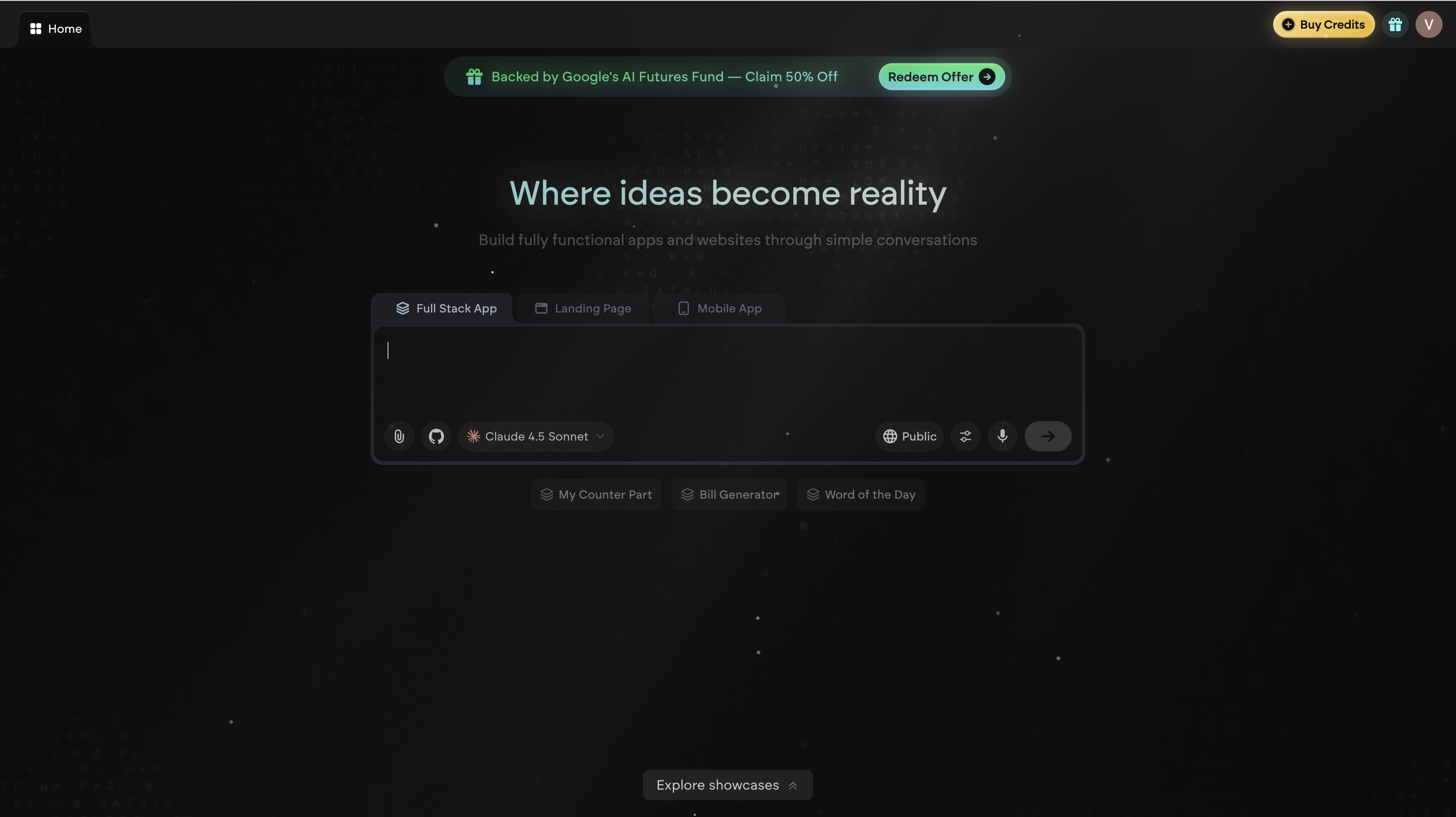
What it is: Emergent.sh is a full-stack AI coding platform that builds complete applications. You describe what you want using natural language, and Emergent's multi-agent system builds it for you.
The problem it solves: Replit's AI (Ghostwriter) helps you code, but you still do most of the work. Emergent uses multiple specialized AI agents that work together to build entire apps—code, tests, deployment, and optimization.
How it works:
- Describe your app idea in plain English
- Emergent's agents work together:
- Builder Agent creates the code
- Quality Agent runs tests
- Deploy Agent handles deployment
- Optimizer Agent improves SEO and accessibility
- You get a complete, working application
It runs in your browser on Google Cloud. You can build with React, Next.js, Expo, or Python, and you have full access to the code.
Key features:
- Multi-agent system (different AI agents for different tasks)
- Builds complete full-stack apps
- Runs in browser (no local setup)
- Works with React, Next.js, Expo, Python
- Full code access and export
- Often more reliable than single-agent systems
Good for:
- Developers who want full-stack control with AI help
- Non-technical founders building production apps
- Teams that need reliable AI workflows
- Complex projects that need multiple AI agents
Bottom line: If you want AI that builds complete apps (not just helps you code), Emergent's multi-agent system is designed to be more reliable than single-agent tools. Great for full-stack projects.
#7. Lovable: AI App Builder from Descriptions
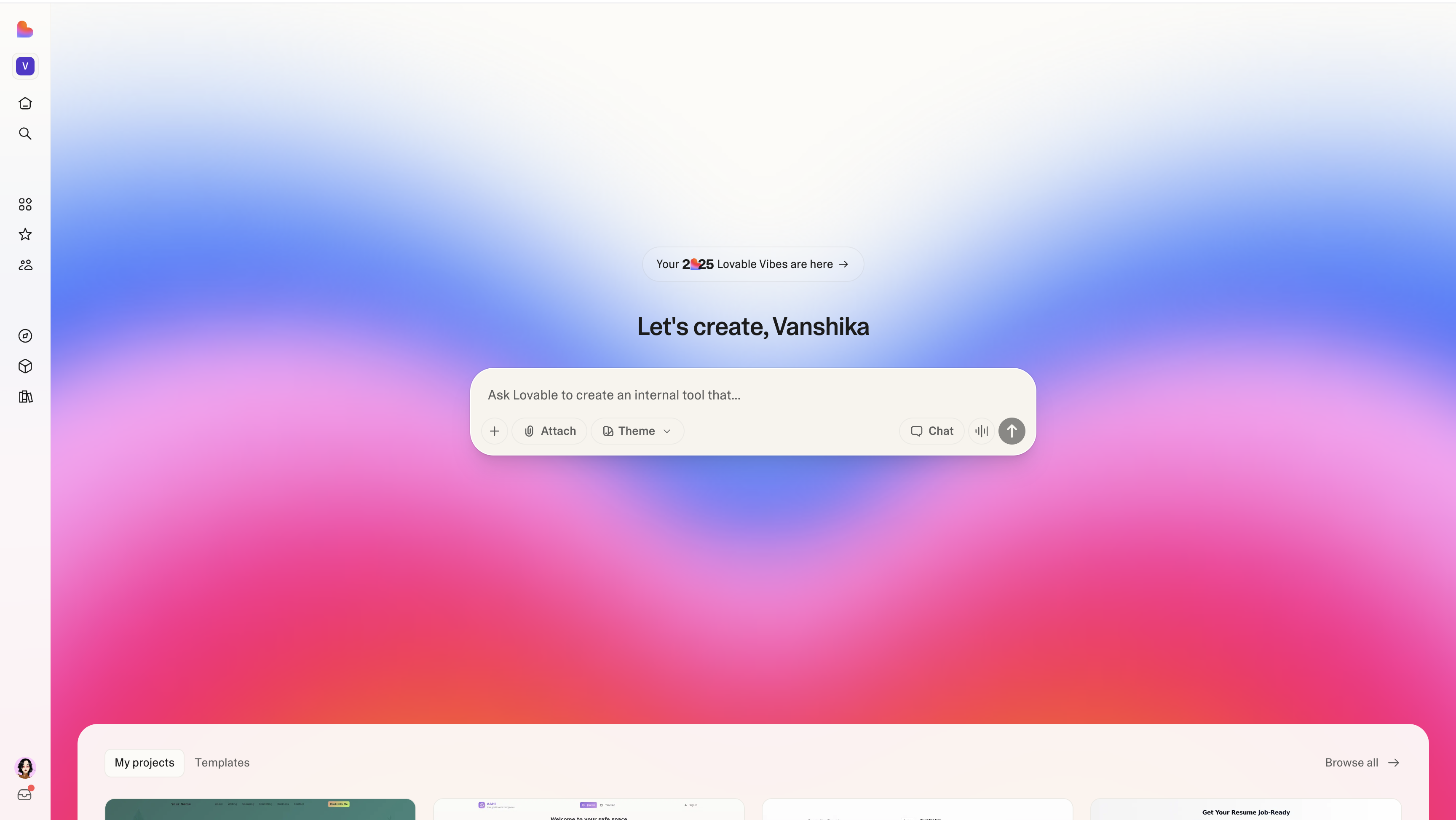
What it is: Lovable is an AI web app builder that creates full-stack applications from text descriptions. Describe your app idea in plain English, and Lovable builds it for you—no coding required.
The problem it solves: Replit still requires you to code, even with AI help. Lovable lets non-technical founders describe what they want and get a working app. It's popular with people who want to validate ideas fast without hiring developers.
How it works:
- Describe your app idea
- Lovable generates the full-stack application
- You get a working app you can customize
- Deploy when ready
The appeal is speed—ideas become clickable demos in minutes instead of weeks.
Key features:
- Builds full-stack apps from descriptions
- No coding knowledge required
- Fast prototyping and validation
- Great for non-technical founders
- Customizable generated code
Good for:
- Non-technical founders validating ideas
- Quick prototypes and demos
- When you need an app fast
- People who want to build without coding
Bottom line: If you're not technical but want to build apps fast, Lovable turns ideas into working software quickly. Perfect for validating ideas, less ideal for complex production apps.
#How to Choose the Best Replit Alternative for You
Don't pick based on features. Pick based on what's actually slowing you down.
#What Problem Are You Trying to Solve?
"My database keeps crashing"
→ Try GitHub Codespaces for more reliable infrastructure
"The AI doesn't understand my code"
→ Use Cursor for smarter AI, or BrainGrid to plan better so any AI works
"Onboarding new team members takes forever"
→ GitHub Codespaces sets up environments automatically
"I need a working demo by end of day"
→ Bolt.new builds apps instantly, or use BrainGrid first if you need to clarify requirements
"Requirements keep changing while I code"
→ BrainGrid helps you plan first, then code in any tool
"I want professional UI components fast"
→ v0 by Vercel generates beautiful React components
"I need full control"
→ Cursor on your computer gives you complete control
#Using Multiple Tools Together
You don't have to pick just one. Many successful teams use different tools for different jobs:
Planning: Use BrainGrid to figure out what to build
Coding: Use Cursor, Codespaces, or your preferred tool
Quick prototypes: Use Bolt.new when you need something fast
Deployment: Use whatever deployment method works for you
Example workflow:
- Plan in BrainGrid → Get clear requirements and tasks
- Code in Cursor → AI understands your project
- Build UI with v0 → Professional components fast
- Deploy normally
The best teams mix tools to solve different problems. You don't need one tool that does everything.
#Quick Comparison Table
| Feature | Replit | BrainGrid | Codespaces | Cursor | Bolt.new | v0 | Emergent.sh | Lovable |
|---|---|---|---|---|---|---|---|---|
| Setup | Instant | Web-based | Seconds | Local | Instant | Web | Browser | Browser |
| AI Help | Basic | Planning | Copilot | Advanced | Full-stack | UI gen | Multi-agent | Full-stack |
| Team Features | Basic | Planning | Enterprise | Limited | Sharing | Limited | Good | Basic |
| Deployment | Built-in | N/A | Manual | Manual | Instant | Manual | Built-in | Built-in |
| Best For | Learning | Planning | Teams | Local dev | Prototypes | UI components | Full-stack AI | App builder |
#Popular Questions About Replit Alternatives
#What are the best Replit alternatives Reddit recommends?
Based on Reddit discussions, popular Replit alternatives include:
- GitHub Codespaces - Often recommended for teams and Python projects
- Cursor - Frequently mentioned for better AI coding assistance
- v0 by Vercel - Popular for professional UI components
- Emergent.sh - Recommended for full-stack AI app building
- Lovable - Often suggested for non-technical founders
Many Reddit users also mention that Replit is still good for beginners, but these alternatives are better as projects grow.
#Are there open source Replit alternatives?
Most alternatives are not fully open source, but they offer free options:
- v0 by Vercel - Completely free
- Emergent.sh - Free options available
- Lovable - Free options available
For truly open source development environments, you might consider setting up your own with VS Code and Docker, but this requires more technical knowledge.
#What about Replit alternatives for Python?
Replit is actually still one of the best options for Python beginners. But if you need more features:
- GitHub Codespaces - Excellent for Python with team features
- Cursor - Great for Python with smart AI assistance
- Local development - VS Code + Python on your computer gives full control
For Python specifically, many developers stick with Replit for learning, then move to Codespaces or local development for serious projects.
#Frequently Asked Questions About Replit Alternatives
#What are the best free Replit alternatives in 2026?
v0 by Vercel is completely free for generating UI components. GitHub Codespaces offers free hours monthly for individual developers.
BrainGrid helps you plan your projects before you code.
Emergent.sh and Lovable also offer free options to get started.
#What are the best Replit alternatives for Python?
GitHub Codespaces and Cursor both work great with Python. Replit is still actually one of the best options for Python beginners, but if you need more power or team features, Codespaces is the way to go.
#Are there free alternatives to Replit?
v0 by Vercel is completely free. GitHub Codespaces offers free hours monthly. Emergent.sh and Lovable both offer free options.
These free options are great alternatives to Replit's paid plans.
#Can I migrate my Replit projects?
Yes! Most alternatives work with GitHub:
- Export your Replit project to GitHub (Replit has a built-in export feature)
- Import to your new tool:
- GitHub Codespaces: Just open the repo, add a simple config file
- Cursor: Download and open locally
- Emergent.sh/Lovable: Import from GitHub or start fresh
Most projects migrate in under an hour.
#Which Replit alternative has the best AI?
Cursor's AI understands your whole project, not just one file. This makes its suggestions much more useful.
BrainGrid helps you plan better, so any AI (including Replit's) builds the right thing.
GitHub Copilot (in Codespaces) is also very good, though not quite as smart as Cursor.
#Do any Replit alternatives work offline?
Cursor works completely offline once you install it (it runs on your computer).
Most cloud-based tools (Codespaces, Emergent.sh, Lovable, v0) need internet.
#What's the best Replit alternative for teams?
GitHub Codespaces is best for bigger teams—it has security features, consistent environments, and works great with GitHub.
Emergent.sh is best if you need AI-powered full-stack app building with multi-agent systems.
Lovable is great for non-technical founders who want to build apps from descriptions.
#Which tool is best for learning to code?
Replit is still excellent for absolute beginners—it's the easiest to get started.
Once you're past the basics:
- v0 by Vercel helps you learn professional UI design
- Emergent.sh teaches full-stack development with AI
- GitHub Codespaces teaches professional workflows
#Can I use these for production apps?
Yes, but choose carefully:
- GitHub Codespaces: Great for production (used by big companies)
- Cursor: Perfect for production (full control on your computer)
Better for prototypes:
- Bolt.new: Fast but not built for production
- Replit: Can work but has limits at scale
Planning only:
- BrainGrid: Helps you plan, doesn't host apps
#Final Thoughts: Finding Your Replit Alternative
Replit is great for getting started, but everyone hits limits eventually. Maybe your database keeps crashing, or the AI isn't helpful, or you need better team features.
The key: Don't switch because "Replit is bad." Switch because something specific is blocking you.
Quick decision guide:
- Requirements keep changing? → BrainGrid helps you plan first
- Need enterprise features? → GitHub Codespaces
- Want smarter AI? → Cursor
- Need instant prototypes? → Bolt.new or Lovable
- Want professional UI components? → v0 by Vercel
- Need full-stack AI apps? → Emergent.sh
- Building apps without coding? → Lovable
The smart approach: Try one tool on one project first. See if it actually solves your problem. Then expand gradually.
Most successful teams use different tools for different jobs. BrainGrid for planning. Your preferred coding environment for building. Specialized tools when needed.
Bottom line: There are great Replit alternatives out there. The best one depends on what's actually slowing you down. Find your blocker, pick the tool that fixes it, and test it out.
The tools are ready. What problem are you trying to solve?
About the Author
Vanshika Rana is a Developer Advocate and Product Marketer, where she focuses on helping developers understand, adopt, and build with AI-powered engineering tools. With a background spanning frontend engineering, developer relations, and product marketing, she enjoys translating complex systems into clear, practical narratives that resonate with technical audiences.
Want to discuss AI coding workflows or share your experiences? Find me on X or connect on LinkedIn.
Keep Reading



Ready to build without the back-and-forth?
Turn messy thoughts into engineering-grade prompts that coding agents can nail the first time.
Re-love coding with AI