
10 Best Lovable Alternatives in 2026 (Reviewed & Compared)
Outgrowing Lovable? We compared Bolt.new, Cursor, Claude Code, v0, and 6 more AI builders on code quality, pricing, and what happens after the demo.

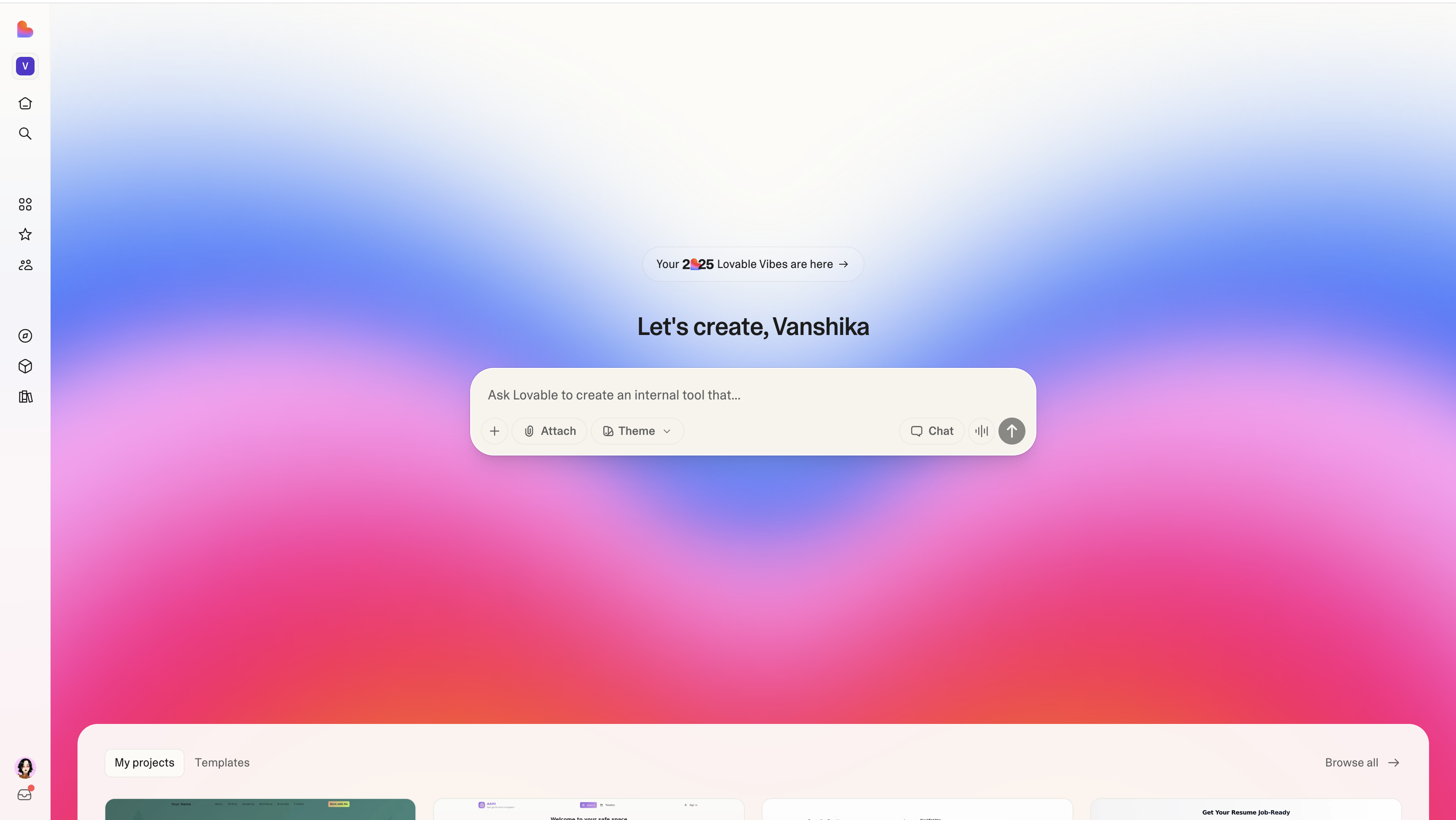
You've heard about Lovable. Maybe you've tried it. The pitch is simple: describe your app in plain English, watch AI build it. No code required.
But here's the reality: Lovable isn't the only tool turning ideas into working software. Depending on what you're building and how you work, it might not even be the best one.
This guide breaks down ten alternatives developers and non-technical builders actually use to ship real products. No fluff—just what each tool does well, where it fails, and who should care.
#What Is Lovable and Why Look for Alternatives?
Lovable is an AI web app builder that generates full-stack applications from text descriptions. Popular with non-technical founders who want to validate ideas fast without hiring developers.
The appeal? Speed. Ideas become clickable demos in minutes instead of weeks.
The tradeoffs? Limited customization as apps grow complex. Managing changes at scale gets harder. And if you want to own your codebase fully, tools that export clean, modifiable code feel more sustainable. (Already decided to export? Here's how to download your Lovable project in 15 minutes.)
Different tools optimize for different priorities: code ownership, visual control, terminal workflows, production architecture, or team collaboration. The right tool depends on what you're building and how you build it.
#1. Bolt.new: Browser to Deployed App in Seconds
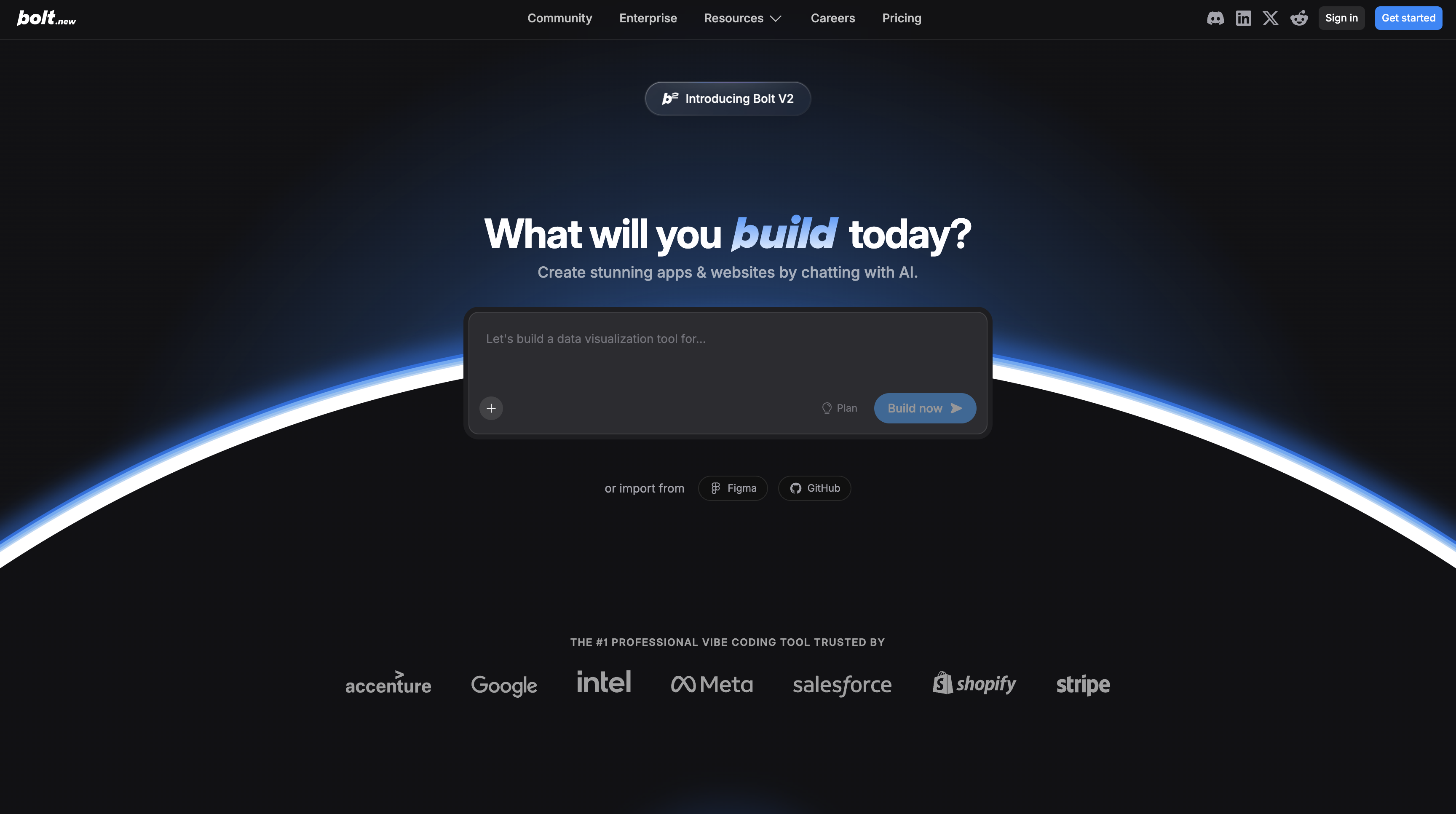
Bolt.new, built by StackBlitz, turns prompts into live, deployed web apps. Type "Build a CRM with contact notes and Kanban board"—Bolt generates the full-stack app and deploys it instantly.
What makes it different: Instant deployment. No export or hosting step. Your app is live and shareable the moment it's generated. Powered by Claude Sonnet 4.0, handles React frontends, Node.js backends, and Supabase databases automatically.
The feature most people miss: React Native and Expo support. Unlike other tools that stop at web apps, Bolt generates native iOS and Android apps you can preview on your device. No Xcode or Android Studio required.
Best for: Non-technical founders needing a working prototype today. Agencies showing clients proof-of-concept. Mobile app builders prototyping without native toolchains.
Where it struggles: AI-generated code needs review and debugging. Complex enterprise apps with intricate business logic outgrow the browser environment. Optimized for speed and prototyping, not production-scale depth.
#2. BrainGrid AI: The Product Manager Your Coding Agent Needs
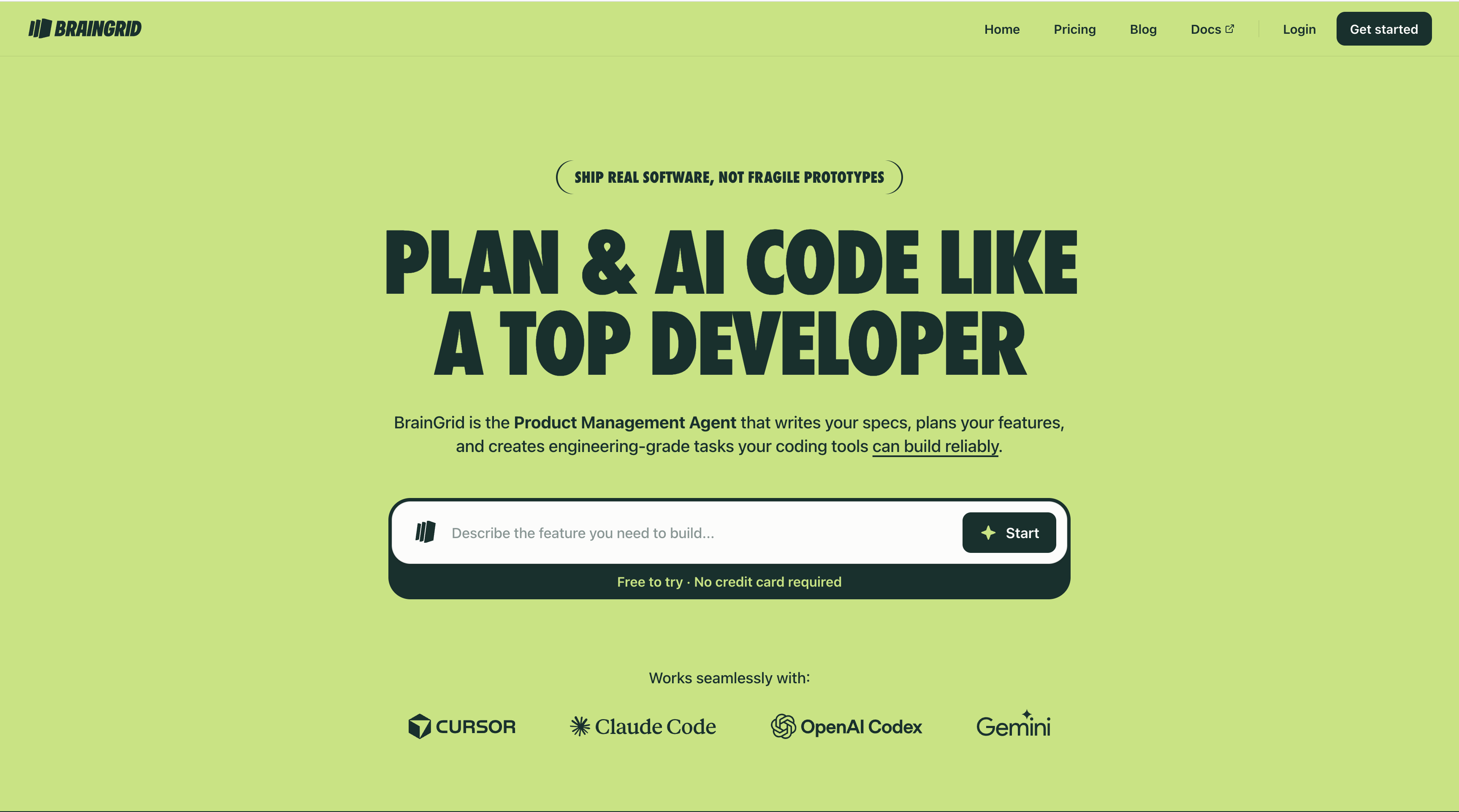
Here's the problem most builders face with AI coding tools: you describe what you want, get something close but wrong, then spend hours iterating back and forth. The issue isn't the coding tool—it's unclear requirements.
BrainGrid AI doesn't generate code. It generates the plans your coding agents need to generate the right code the first time.
#How It Works
Think of BrainGrid as an experienced product manager sitting between you and your coding tools. You describe what you want to build, and BrainGrid asks the clarifying questions: What happens if the user does X? What's the error state? How should this integrate with existing features?
Then it creates detailed specifications and breaks features into well-scoped tasks with clear acceptance criteria. Each task is specific enough that when you hand it to Cursor, Claude Code, or any AI coding tool, the tool builds it correctly the first time.
#Why Requirements Matter
Most AI coding failures happen before code gets written. Vague prompts like "add user authentication" lead to vague implementations that miss edge cases and create bugs. BrainGrid forces clarity upfront.
Instead of "add user authentication," BrainGrid helps you spec out: email/password or OAuth? Password reset flow? Session management? Rate limiting? Each detail becomes a clear task.
Best for: Non-technical founders building with AI tools who keep hitting the "that's not what I meant" problem. Developers managing complex features who want to plan before they code.
Where it struggles: If you already know exactly what you're building down to implementation details, the planning phase feels like extra steps.
#3. Cursor: AI Code Editor That Understands Your Codebase
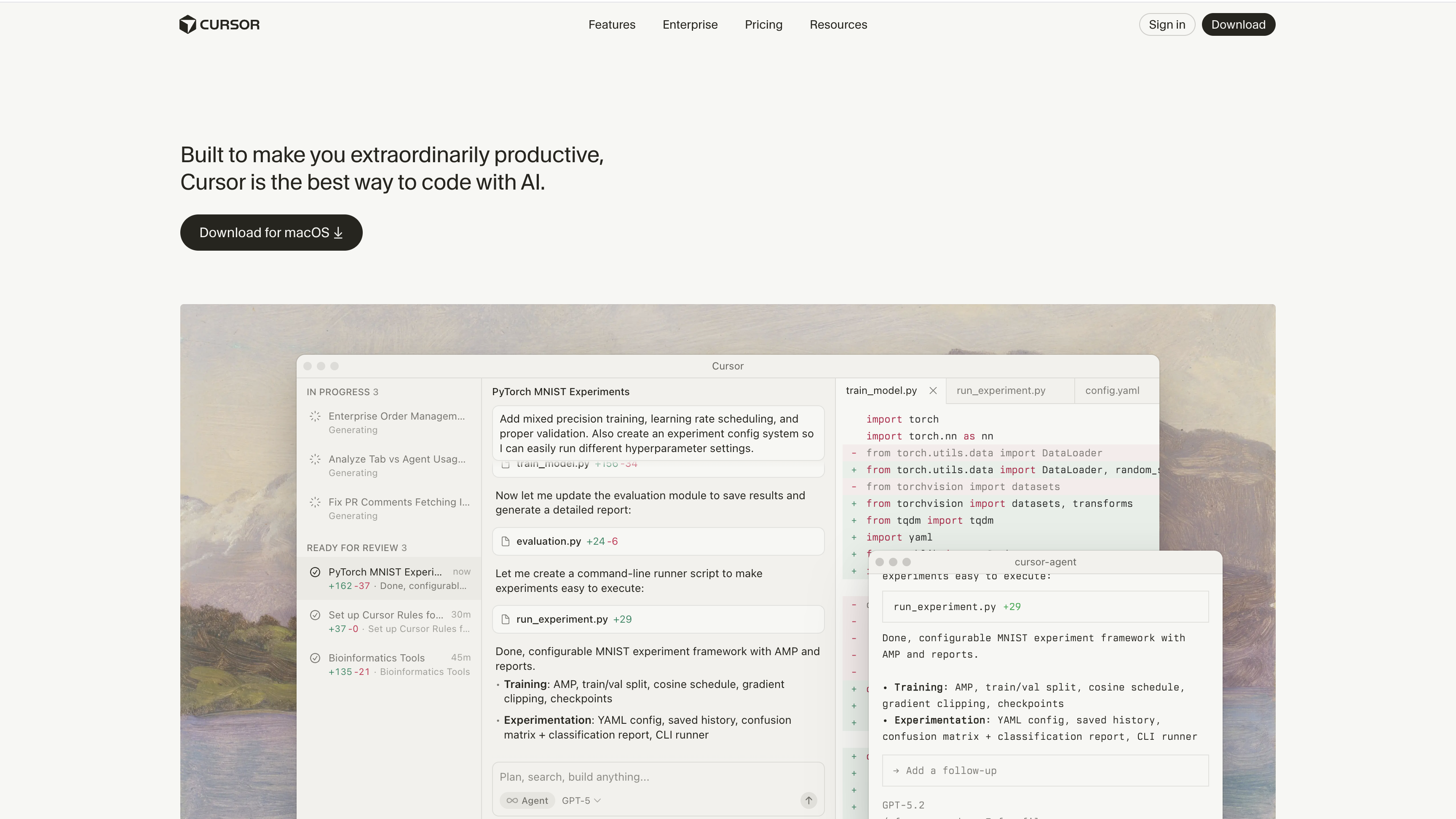
Cursor rebuilt VS Code from scratch with AI as the core feature. Instead of switching between your editor and ChatGPT, you work inside Cursor. The AI sees your entire codebase, so suggestions are contextually aware, not generic.
The standout feature: Cmd+K. Select code, describe what you want changed, Cursor edits it inline. No copy-pasting. No breaking your flow. Feels like having a senior developer who instantly understands your codebase.
Best for: Developers who want AI assistance without leaving their editor. Teams using VS Code who want the smoothest upgrade to AI-assisted coding.
Where it struggles: Non-developers. If you don't already code, Cursor won't teach you. It accelerates developers; doesn't replace them.
#4. Claude Code: Autonomous Coding from Your Terminal
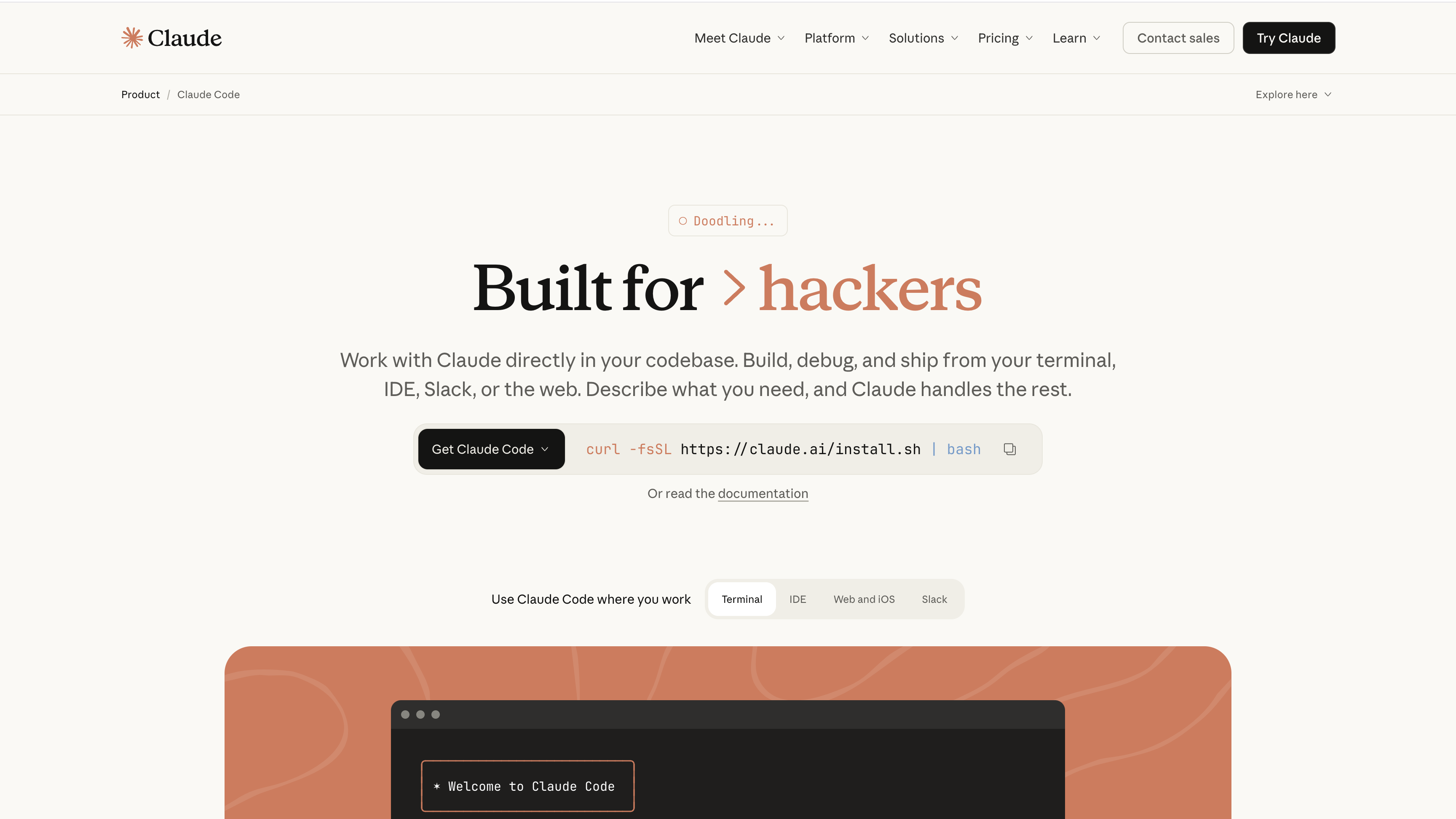
Claude Code is Anthropic's command-line agent. You describe a task, it works autonomously—reading files, running commands, making edits, verifying work—without babysitting each step.
The difference is autonomy. Most AI tools wait for your input between steps. Claude Code operates like a junior developer you've delegated to. It figures out what files to read, runs tests to verify nothing broke, and only interrupts if it needs clarification.
Best for: Developers comfortable with terminal workflows. Engineers delegating entire features. Large refactors or migrations where the task is clear but tedious.
Where it struggles: Visual work. If your task involves design decisions or requires seeing the UI, terminal-only becomes limiting.
#5. v0 by Vercel: UI Focused Vibe Coding Tool
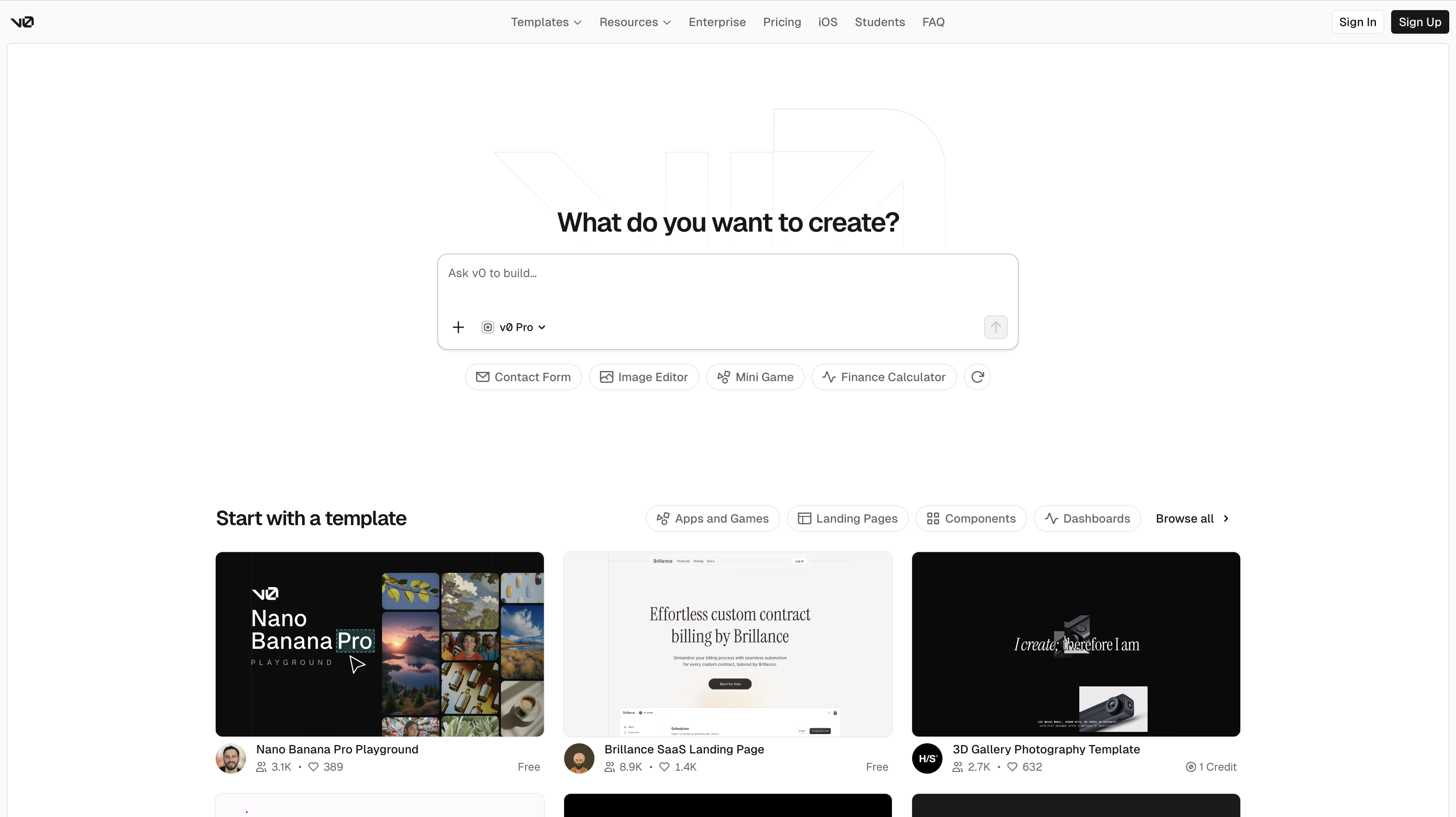
If you care what your app looks like, v0 by Vercel deserves attention. Built by Vercel, specializes in generating React components with shadcn/ui that actually look hand-crafted.
You describe a UI element—pricing table, dashboard card, contact form—v0 generates component code. The difference is design quality. Components feel intentional: proper spacing, typography, visual hierarchy.
Integrates tightly with Next.js and shadcn/ui, so code fits naturally into existing projects.
Best for: Developers building Next.js apps who want to accelerate UI work. Design-conscious founders who know the difference between "functional" and "professionally designed."
Where it struggles: Full application logic. v0 generates components, not entire apps. You still wire up state management, routing, and business logic yourself.
#6. Emergent: Full-Stack Vibe Coding with Multi-Agent Architecture
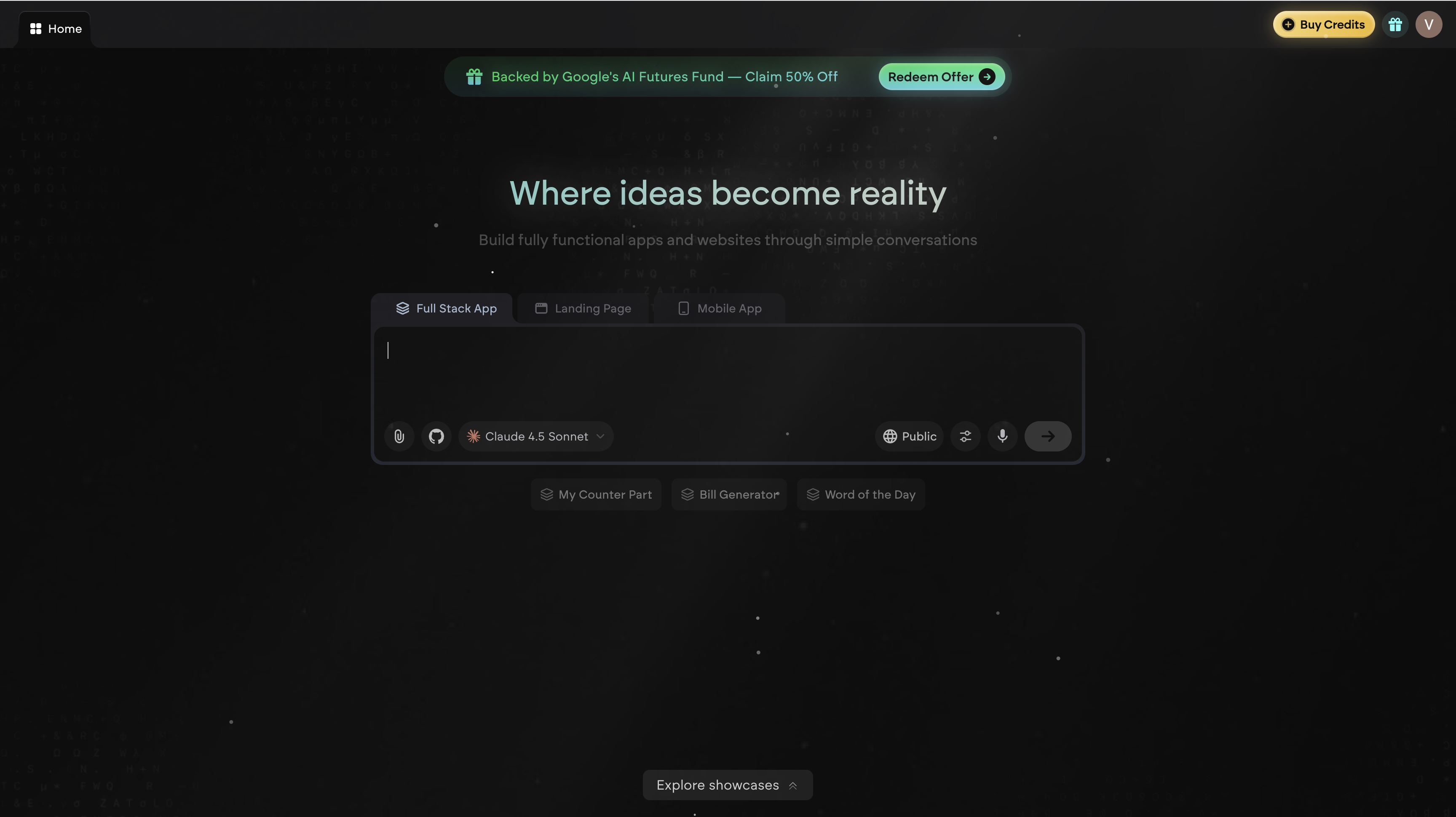
Emergent is a full-stack vibe coding platform that handles the complete development lifecycle. You describe what you want in plain English, and Emergent's multi-agent system builds it.
What sets it apart: Multi-agent architecture. Specialized agents handle specific tasks—a Builder Agent creates code, a Quality Agent runs tests, a Deploy Agent handles cloud deployment, and an Optimizer Agent improves SEO and accessibility. This produces more reliable results than single-agent systems.
Runs entirely in the browser on Google Cloud Platform VMs. Build with React, Next.js, Expo, or Python with full code access and export control.
Best for: Developers who want full-stack control with AI assistance. Non-technical founders building production-ready apps. Teams needing reliable multi-agent workflows.
Where it struggles: Learning curve for advanced workflows. Credit costs add up for multiple high-capacity projects. Requires stable internet.
#7. Rocket.new: AI Debugging That Fixes Issues Before You See Them
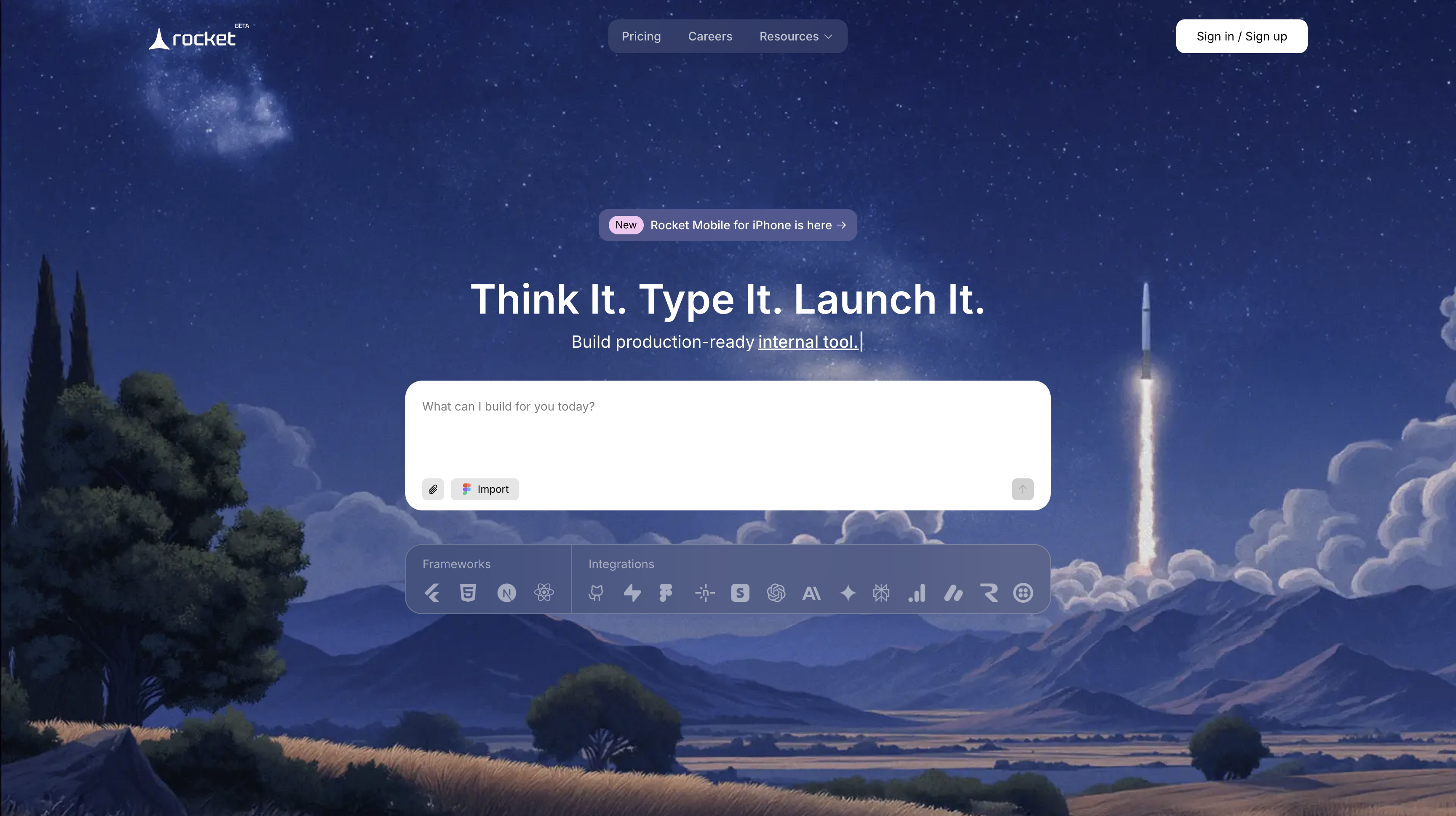
Rocket.new manages the full app lifecycle—from ideation to deployment—in a single workspace. You describe your app idea, and Rocket.new generates frontend, backend, and database setup automatically.
What makes it stand out: Smart debugging system. The built-in AI debugger continuously scans for syntax errors, performance issues, or broken dependencies. When detected, it suggests or applies fixes automatically, ensuring cleaner builds without debugging cycles.
Includes modular component library with prebuilt UI elements and auto-generated technical documentation.
Best for: Startups aiming for quick MVPs. Individual developers who want AI-assisted debugging. Teams needing GitHub integration built in.
Where it struggles: Limited customization for complex enterprise projects. Auto-generated code sometimes needs manual optimization for scalability.
#8. Replit: Code and Deploy Without Leaving Your Browser
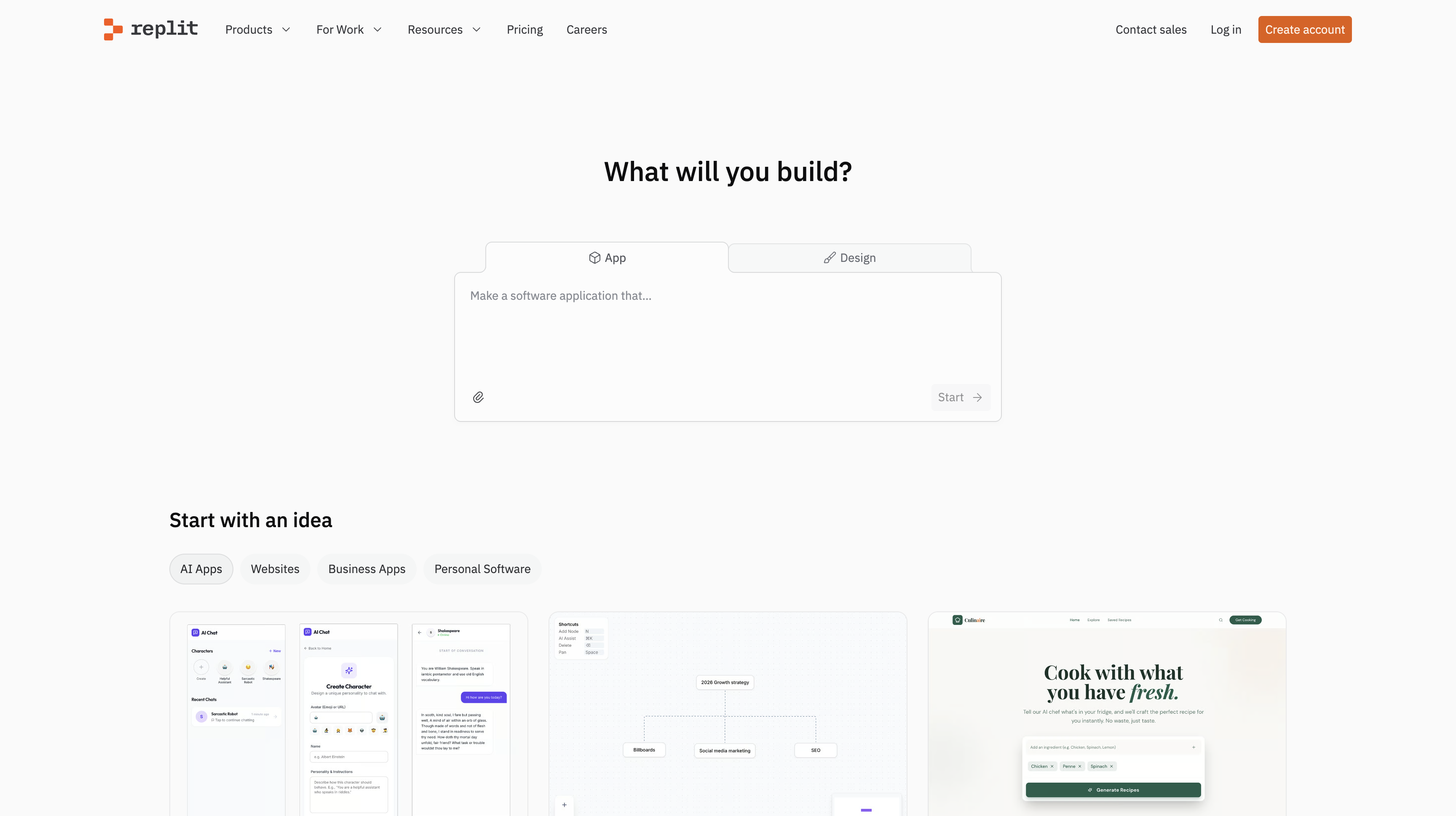
Replit is a browser-based development environment for building and hosting apps. Zero setup—no configuring Node, Python, databases, or environments. Pick a template, start coding, everything works.
Replit AI helps you write code, debug errors, and explain concepts as you work.
Best for: Students learning to code. Non-technical founders dabbling in coding without full local setup. Developers prototyping quickly.
Where it struggles: Large production-scale applications. Optimized for learning and prototyping, not managing complex enterprise codebases.
#9. Co.dev: Collaborative AI Workspace for Cross-Functional Teams
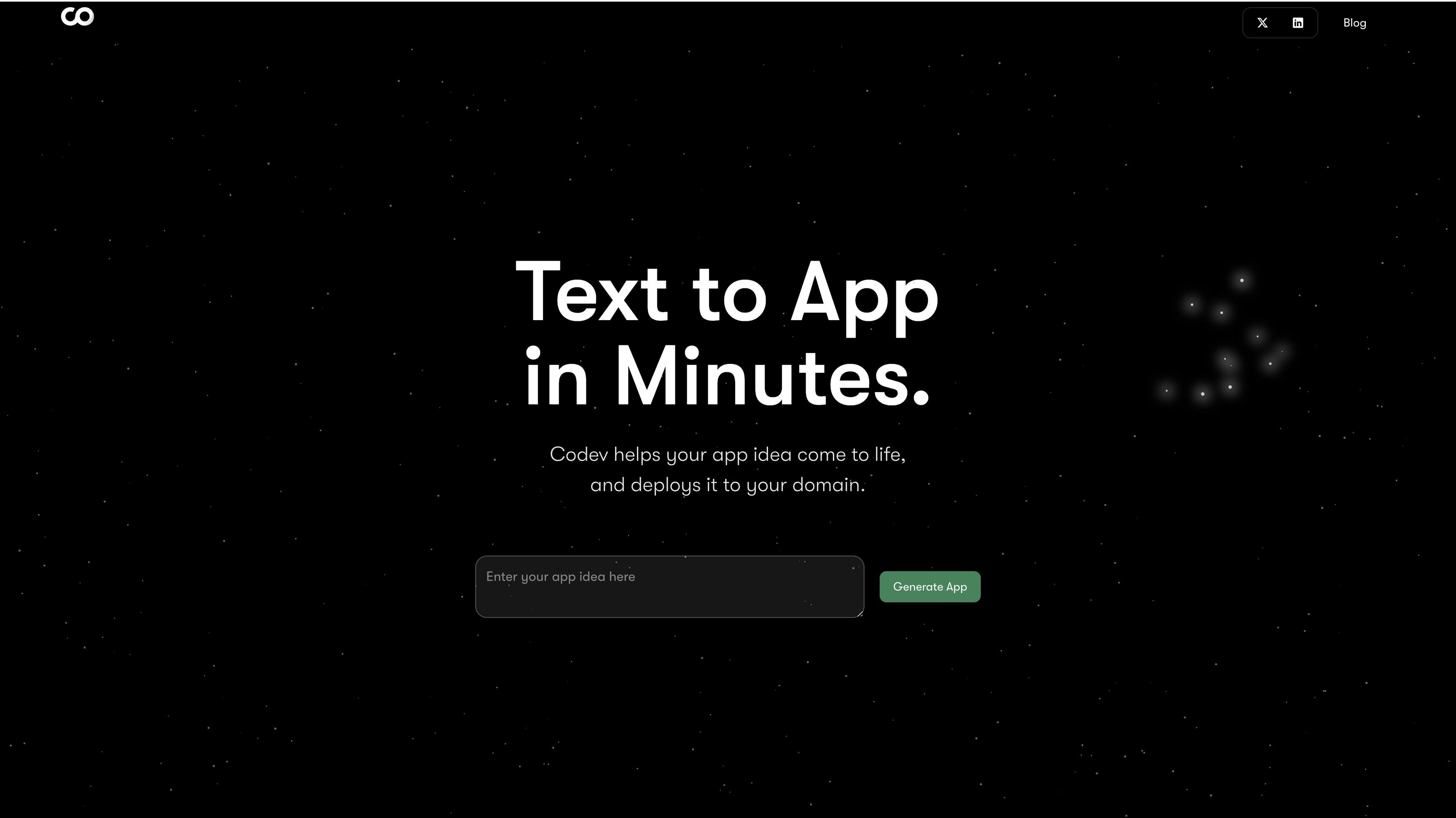
Co.dev brings developers, designers, and product owners together in a shared environment. Everyone can contribute to application logic, layout, and deployment in real time.
What makes it different: Cross-functional collaboration focus. Instead of developers in one tool, designers in another, and PMs in spreadsheets, Co.dev centralizes the entire workflow with real-time collaborative coding and AI-assisted task automation.
Supports React-based frontends and serverless backends with GitHub, API, and cloud deployment integrations.
Best for: Product teams where designers, developers, and PMs collaborate tightly. Small agencies building client projects. Solo developers planning to grow into a team.
Where it struggles: Requires stable internet. Some advanced backend features need external integrations. AI accuracy varies by task complexity.
#10. Base44: No-Code Platform with Low-Code Flexibility
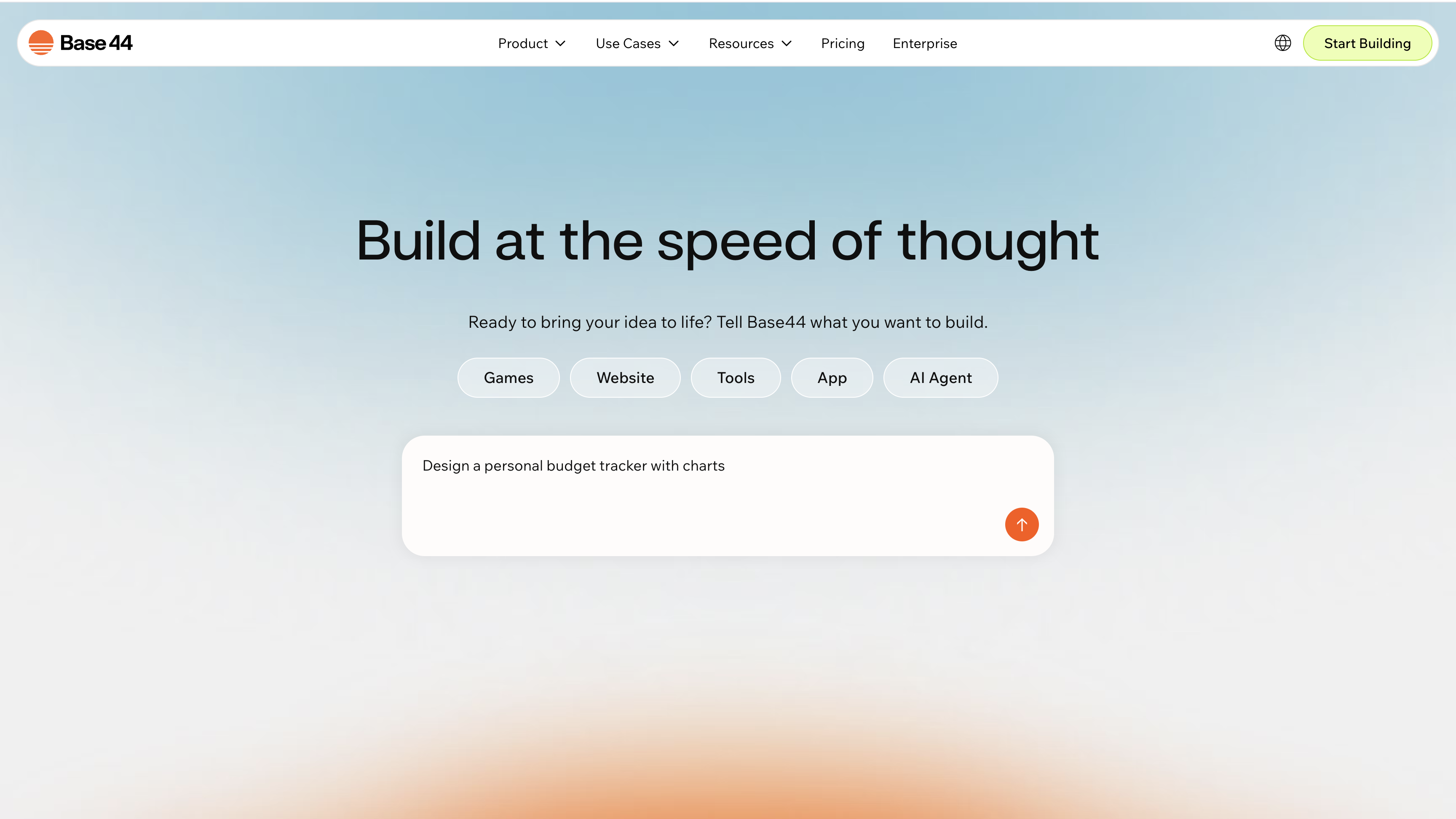
Base44 helps individuals, startups, and small teams rapidly build web applications, dashboards, and automation workflows without traditional coding.
What makes it stand out: Visual drag-and-drop interface with AI-assisted workflow automation. You design interfaces visually, and the AI generates workflows, connects databases, and sets triggers. Built-in database and cloud storage eliminate external dependencies.
Features AI-powered component suggestions, adaptive workflows, cross-device testing, and smart data linking.
Best for: Non-technical founders who want to build functional apps quickly. Small teams needing rapid prototyping with visual tools.
Where it struggles: Limited flexibility for complex custom backend logic. Performance can lag with extremely high data volumes.
#Which Tool Should You Actually Use?
The honest answer: it depends on how you work and what you're building. For a hands-on test where we built the same app with each tool, see our best vibe coding tools in 2026 guide.
Loading diagram...
Quick decision guide:
- Planning unclear features? Start with BrainGrid to clarify requirements
- Need a prototype by end of day? Bolt.new for full apps, v0 for UI
- Developer staying in your editor? Cursor for AI-assisted coding
- Terminal-first workflows? Claude Code for autonomous task completion
- Full-stack with multi-agent architecture? Emergent for complex projects
- AI debugging that fixes issues automatically? Rocket.new for cleaner builds
- Learning to code or quick experiments? Replit for zero-setup development
- Team collaboration across functions? Co.dev for cross-functional teams
- Visual no-code with AI automation? Base44 for drag-and-drop interfaces
#The Pattern That Works
Most successful builders don't use just one tool. They combine them strategically:
- Plan with BrainGrid to clarify requirements and break features into clear tasks
- Build with coding tools (Cursor, Claude Code, Emergent, Rocket.new)
- Polish with specialized tools (v0 for UI, Bolt.new for prototypes)
- Deploy and iterate based on user feedback
The tools complement each other. BrainGrid ensures you're building the right thing. Coding tools build it efficiently. Specialized tools polish the details.
The critical mistake: Assuming one tool does everything. The right stack depends on your skills, your project, and what slows you down most.
#The Real Cost of Choosing Wrong
Picking the wrong tool doesn't just waste time—it creates technical debt that slows you down later.
Use a visual builder for complex logic? Eventually hit platform limits and face painful migration. Use a code generator with messy output? Codebase becomes unmaintainable. Skip planning and jump to coding? Spend more time debugging vague implementations than you saved moving fast.
Before you pick one, ask yourself:
- Do I need to own and modify the code, or is a hosted platform fine?
- Am I building a prototype to validate an idea, or a product I'll scale?
- Do I know how to code, or am I learning as I build?
- Are my requirements clear, or do I need help defining what to build?
The answers matter more than feature lists or pricing tiers.
#Conclusion: Stop Building Wrong, Start Shipping Right
The AI coding landscape in 2026 offers more options than ever. But having options doesn't matter if you're building the wrong thing.
Here's what we've learned watching builders ship: the workflow matters more than the tools themselves.
The fastest builders aren't the ones who jump straight into coding with the newest AI tool. They're the ones who take time to clarify requirements first, then execute efficiently with whatever tools fit their workflow.
That's why BrainGrid exists. Not to replace your coding tools, but to make them actually work. Clear requirements mean your AI coding tool builds it right the first time. Less iteration. Fewer bugs. Faster shipping.
Whether you choose Bolt.new for prototypes, Cursor for development, Emergent for full-stack projects, or any other tool on this list—start by getting clear on what you're building. The tools will take care of the rest.
Stop guessing. Start shipping.
Keep Reading



Ready to build without the back-and-forth?
Turn messy thoughts into engineering-grade prompts that coding agents can nail the first time.
Re-love coding with AI