
Ralph Wiggum Plugin for Claude Code: Autonomous Coding Guide
Set up the Ralph Wiggum plugin for hands-off AI coding in Claude Code. Install, configure autonomous loops, and integrate with BrainGrid MCP.

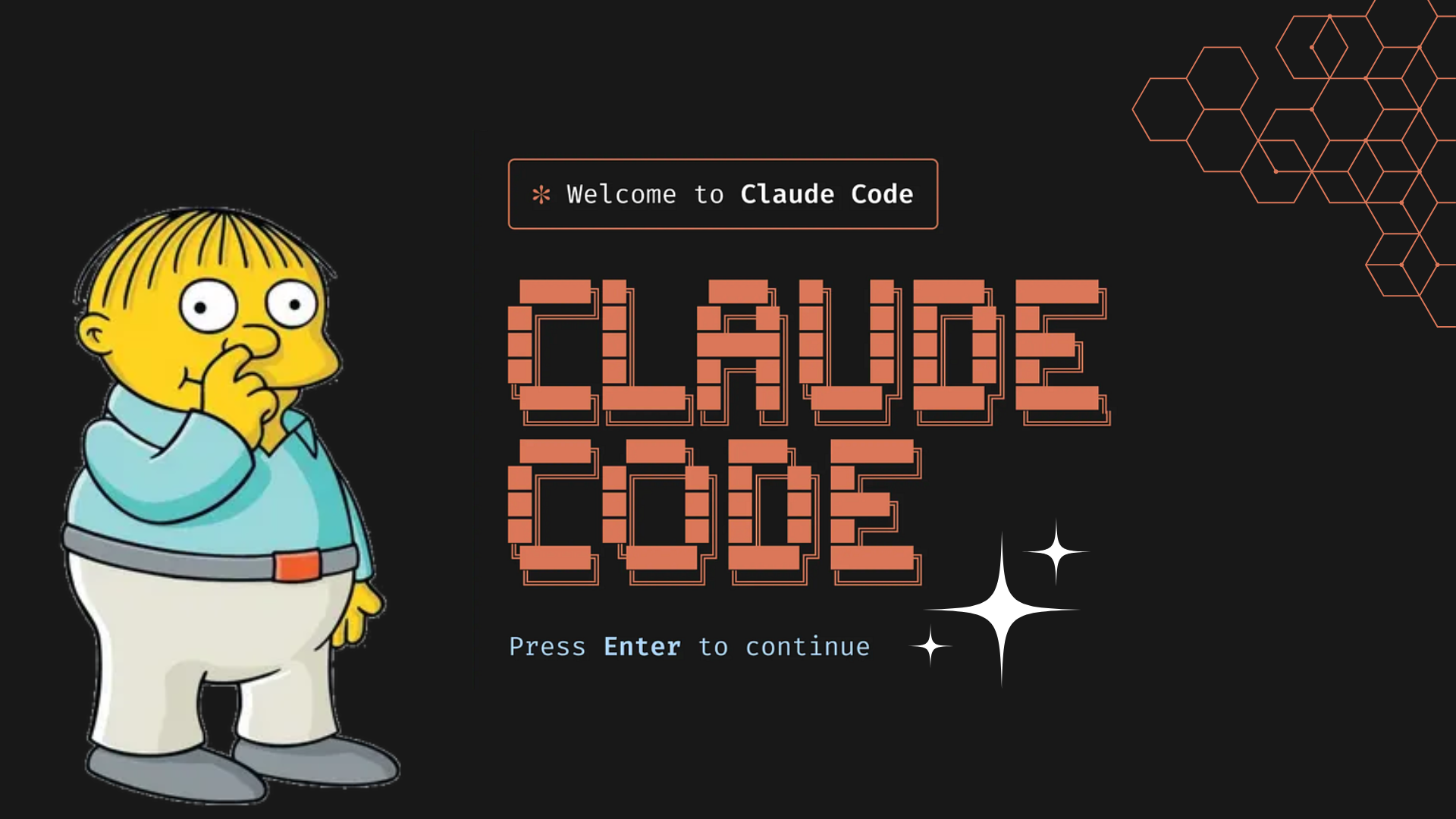
You know that feeling when you're three hours deep into fixing tests, and each fix breaks something else?
What if you could just walk away? Describe what you want, go grab dinner, and come back to working code?
That's Ralph Wiggum.
#Why "Ralph Wiggum"?
Remember Ralph Wiggum from The Simpsons? The kid who keeps trying despite failing spectacularly every single time?
That's exactly what this plugin does. It fails, learns, tries again, and keeps going until it succeeds. No complaints. No giving up. Just persistent iteration until the job is done.
The creator, Geoffrey Huntley, captured it perfectly: "Ralph is a Bash loop."
1while :; do cat PROMPT.md | claude ; done
Keep running the same prompt until it works. That's Ralph.
#What is the Ralph Wiggum Plugin for Claude Code?
The Ralph Wiggum plugin is Claude Code's official plugin that enables autonomous loops—letting AI work on its own for hours without you watching.
Normal Claude Code: You ask → It does → You check → You ask again → Repeat.
Ralph Wiggum Plugin: You tell Ralph what you want → Walk away → Come back to finished work. The autonomous loop handles everything.
#What is an Autonomous Loop in Claude Code?
An autonomous loop is AI that keeps working without you. The Ralph Wiggum plugin creates these autonomous loops in Claude Code.
- You give Claude Code a task with clear "done" criteria
- Claude Code tries to complete it
- When Claude tries to stop, the Ralph Wiggum plugin checks if it's actually done
- If not done: Ralph restarts Claude Code with the same task
- Claude Code sees previous attempts and tries a different approach
- The autonomous loop repeats until done or hits your iteration limit
The key: Each loop is smarter because it learns from previous failures.
Loading diagram...
#Why Do We Need This?
#The Normal Problem
You: "Add user authentication"
Claude: *generates code*
You: "No, use JWT tokens"
Claude: *updates code*
You: "The password reset is missing"
Claude: *adds password reset*
You: "Tests are failing"
Claude: *fixes tests*
Exhausting and slow.
#The Ralph Solution
You: "Add user authentication with JWT tokens, password reset,
and tests with >80% coverage. Done means all tests pass."
Ralph: *works for 2 hours*
Ralph: "Complete. All tests passing."
One detailed instruction. Walk away. Come back to finished work.
#When to Use Ralph Wiggum Plugin (And When Not To)
#✅ Use Ralph For:
- Mechanical tasks: "Add JSDoc comments to every function"
- Tasks with tests: Anything that can verify itself automatically
- Big refactors: Framework upgrades, dependency updates
- Overnight work: Queue it Friday, review Monday
#❌ Don't Use Ralph For:
- Judgment calls: Architecture decisions, design choices, security code
- Vague tasks: "Make the UI better"
- Production fires: When things are broken NOW
- Quick tasks: If it takes 2 minutes manually, just do it
Rule: If you can describe exactly what "done" looks like, the Ralph Wiggum plugin can probably do it using autonomous loops.
#How to Install and Use Ralph Wiggum Plugin: Quick Start Guide
#Install
1/plugin install ralph-wiggum@claude-plugins-official
#Commands
Start an autonomous loop:
1/ralph-wiggum:ralph-loop "<task>" --max-iterations 30
Start autonomous loop with auto-stop:
1/ralph-wiggum:ralph-loop "<task>" --max-iterations 30 --completion-promise "COMPLETE"
Cancel Ralph Wiggum plugin:
1/ralph-wiggum:cancel-ralph
#Example: Add Documentation
Bad prompt:
1/ralph-wiggum:ralph-loop "Add comments to my functions" --max-iterations 10
Good prompt:
1/ralph-wiggum:ralph-loop "Add JSDoc comments to every exported function in src/utils/.
2
3Rules:
4- Every exported function gets JSDoc
5- Include @param, @returns, @throws
6- Use clear descriptions
7
8Done means: Every exported function has complete JSDoc.
9
10Output <promise>DOCUMENTED</promise> when complete." --max-iterations 20 --completion-promise "DOCUMENTED"
Why the good prompt works:
- Clear scope (src/utils)
- Specific rules
- Clear "done" criteria
- Safety limit (20 iterations)
#The Secret: BrainGrid Makes Perfect Prompts
Here's what everyone misses: The Ralph Wiggum plugin is only as good as your prompt.
Writing good prompts is hard. You need to think through every edge case, acceptance criteria, and implementation detail.
This is where BrainGrid changes everything.
#Without BrainGrid
Your vague idea: "Add user authentication"
You write a prompt, but what does "authentication" mean? Email/password? OAuth? Password reset? Rate limiting? The Ralph Wiggum plugin burns iterations guessing.
#With BrainGrid MCP
BrainGrid connects to Claude Code via MCP (Model Context Protocol), giving Claude direct access to structured requirements without copy-pasting.
Step 1: Set up BrainGrid MCP
First, connect BrainGrid to Claude Code:
1claude mcp add --transport http braingrid https://mcp.braingrid.ai
Verify the connection:
1/mcp
You should see braingrid listed. BrainGrid will prompt you to authorize via OAuth in your browser.
Step 2: Create a requirement in BrainGrid
In Claude Code, ask:
"Create a requirement in BrainGrid for user authentication system"
Claude (with BrainGrid MCP) creates a structured requirement with:
- Clear description
- Acceptance criteria
- Technical constraints
- Test requirements
Step 3: Refine in BrainGrid dashboard
Head to BrainGrid AI Dashboard and work with the BrainGrid agent:
"Help me refine this requirement and ask any clarifying questions"
The agent helps you catch missing details and edge cases.
Step 4: Break down into tasks
In the BrainGrid dashboard, click "Break down requirement into tasks." BrainGrid generates concrete, implementable tasks tied to REQ-456.
Step 5: Build with Ralph + BrainGrid
Now the magic happens. In Claude Code:
1/ralph-wiggum:ralph-loop "Build REQ-456 from BrainGrid" --max-iterations 40
Ralph automatically:
- Fetches the full requirement from BrainGrid via MCP
- Reads all acceptance criteria
- Understands technical constraints
- Knows how to verify completion
- Builds with complete context
No copy-pasting. No missing details. Ralph just points at the BrainGrid requirement and builds it correctly.
#The Difference
Without BrainGrid: Vague prompt → Ralph Wiggum plugin guesses → Wastes iterations → Wrong implementation
With BrainGrid MCP: Detailed requirement → Ralph Wiggum plugin fetches full context → Builds it right the first time
#The Complete Workflow
Loading diagram...
BrainGrid = The thinking phase (what to build) Ralph = The execution phase (building it)
Most people skip the thinking phase and jump straight to execution. That's why their prompts fail and the Ralph Wiggum plugin spins endlessly in autonomous loops.
Setup guide: BrainGrid MCP Integration
Try BrainGrid free: braingrid.ai
#Ready-to-Use Templates
#Feature Implementation
1/ralph-wiggum:ralph-loop "Build user profile edit feature.
2
3What it needs:
4- Form with name, email, bio fields
5- Save button calls /api/users/me
6- Show success/error messages
7- All fields required except bio
8
9Tests: Form renders, validation works, API called correctly
10
11Done means: Feature works and tests pass.
12
13Output <promise>COMPLETE</promise> when done." --max-iterations 30
#Bug Fix
1/ralph-wiggum:ralph-loop "Fix: Users can submit empty contact form.
2
3Steps:
41. Add validation for required fields (name, email, message)
52. Show error messages for empty fields
63. Prevent submission if validation fails
74. Add test to prevent regression
8
9Done means: Empty form blocked and test proves it.
10
11Output <promise>FIXED</promise> when done." --max-iterations 15
#Quick Tips
Prompt Checklist:
- ✅ Clear scope (what files/features)
- ✅ Specific requirements (what to do)
- ✅ "Done" definition (how to verify)
- ✅ Safety limit (--max-iterations)
Iteration Guidelines:
- Simple tasks: 10-20 iterations
- Medium features: 20-40 iterations
- Complex builds: 40-60 iterations
- Always set --max-iterations (never unlimited)
Cost Estimates:
- Small task: $5-20
- Medium feature: $30-60
- Large build: $60-150+
Pro tip: Test manually with one iteration before running 50-iteration loops.
#Ralph Wiggum Plugin Troubleshooting
Loop never completes? Your "done" criteria aren't clear enough. Be more specific.
Same error every loop? Add to prompt: "If stuck after 10 tries, document the error and stop."
Costs too high? Lower --max-iterations, use .claudeignore, break into smaller tasks.
Windows issues?
Install jq: choco install jq or use WSL.
#Frequently Asked Questions About Ralph Wiggum Plugin
#What is the Ralph Wiggum plugin?
The Ralph Wiggum plugin is an official Claude Code plugin that creates autonomous loops. It allows Claude Code to work continuously on a task, automatically restarting and trying different approaches until the task is complete or the iteration limit is reached.
#How do autonomous loops work in Claude Code?
Autonomous loops work by: (1) You provide a task with clear "done" criteria, (2) Claude Code attempts the task, (3) Ralph Wiggum checks if it's actually done, (4) If not done, Ralph restarts Claude with the same task, (5) Claude sees previous attempts and tries a different approach, (6) This repeats until done or the iteration limit is hit.
#How do I install the Ralph Wiggum plugin?
Install the Ralph Wiggum plugin in Claude Code using:
1/plugin install ralph-wiggum@claude-plugins-official
#What commands does the Ralph Wiggum plugin support?
The Ralph Wiggum plugin supports three main commands:
- Start a loop:
/ralph-wiggum:ralph-loop "<task>" --max-iterations 30 - Start with auto-stop:
/ralph-wiggum:ralph-loop "<task>" --max-iterations 30 --completion-promise "COMPLETE" - Cancel:
/ralph-wiggum:cancel-ralph
#When should I use Ralph Wiggum plugin?
Use the Ralph Wiggum plugin for mechanical tasks, tasks with automated tests, big refactors, and overnight work. Don't use it for judgment calls, vague tasks, production emergencies, or quick 2-minute tasks.
#How much does Ralph Wiggum plugin cost?
Cost estimates for Ralph Wiggum plugin usage:
- Small task: $5-20
- Medium feature: $30-60
- Large build: $60-150+
#Can I use Ralph Wiggum with BrainGrid?
Yes! BrainGrid MCP integration works perfectly with Ralph Wiggum plugin. BrainGrid helps create structured requirements that Ralph can fetch and build, resulting in better prompts and fewer wasted iterations.
#Conclusion
The Ralph Wiggum plugin removes the iteration tax from mechanical work in Claude Code.
The shift:
- Before: 3 hours of back-and-forth implementing a feature
- After: 10 minutes writing a clear prompt, then do other work while Ralph builds
Start small. Document one folder. Fix linter errors in one directory. Build confidence in what prompts work.
Then scale up. Queue overnight work. Run parallel loops. Let Ralph handle the boring parts while you focus on hard problems.
Install Ralph Wiggum plugin now:
1/plugin install ralph-wiggum@claude-plugins-official
Want perfect prompts every time? BrainGrid helps you think through requirements so the Ralph Wiggum plugin builds it right the first time using autonomous loops.
Keep Reading

Ready to build without the back-and-forth?
Turn messy thoughts into engineering-grade prompts that coding agents can nail the first time.
Re-love coding with AI